
Managing Personal and Organization Settings
Configure personal profile, account settings, organization preferences, team management, billing, and codebase connections in Admin Settings.
The Admin Settings area provides access to personal account options, organization configuration, and support resources through a structured navigation panel.

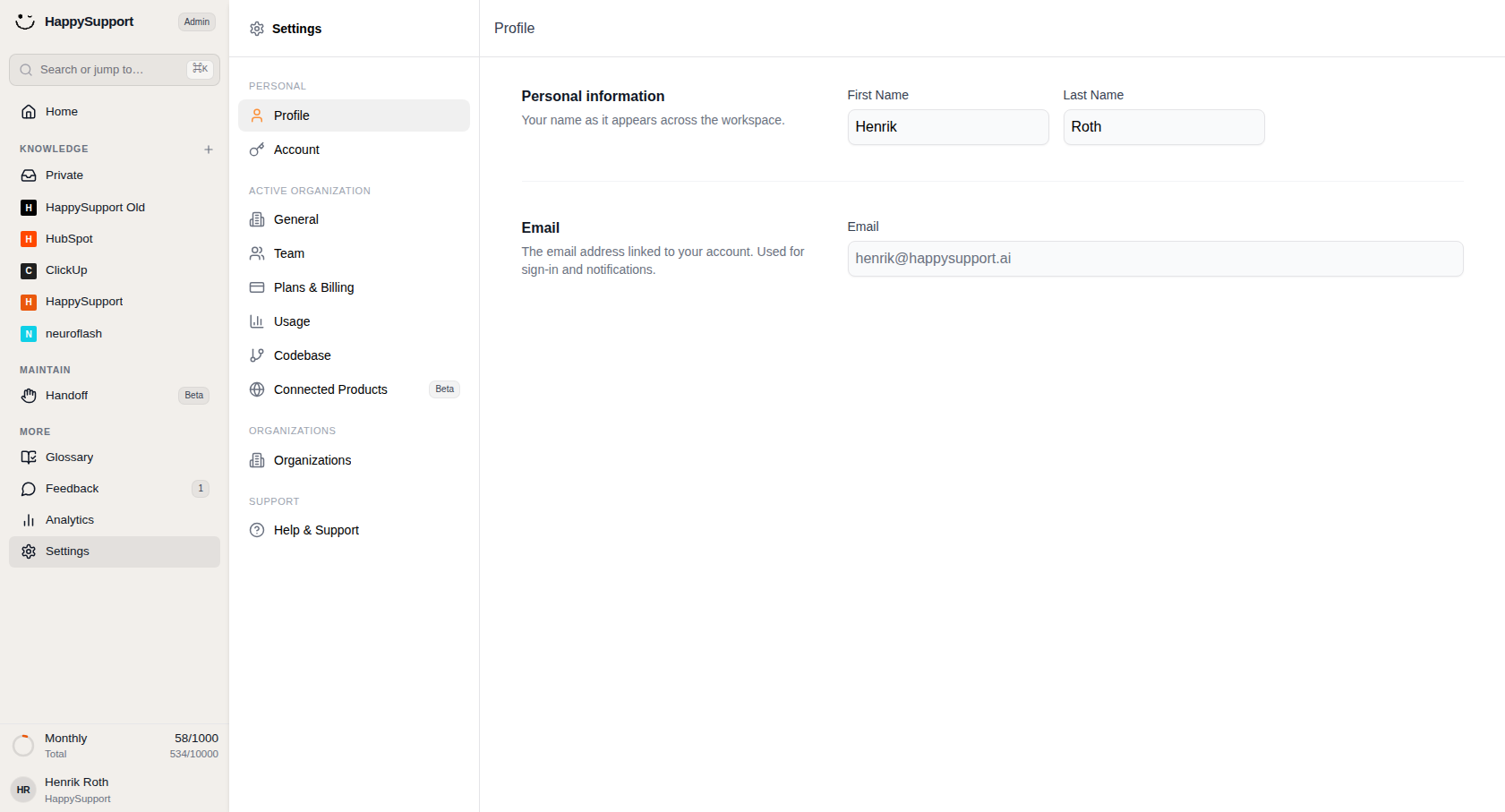
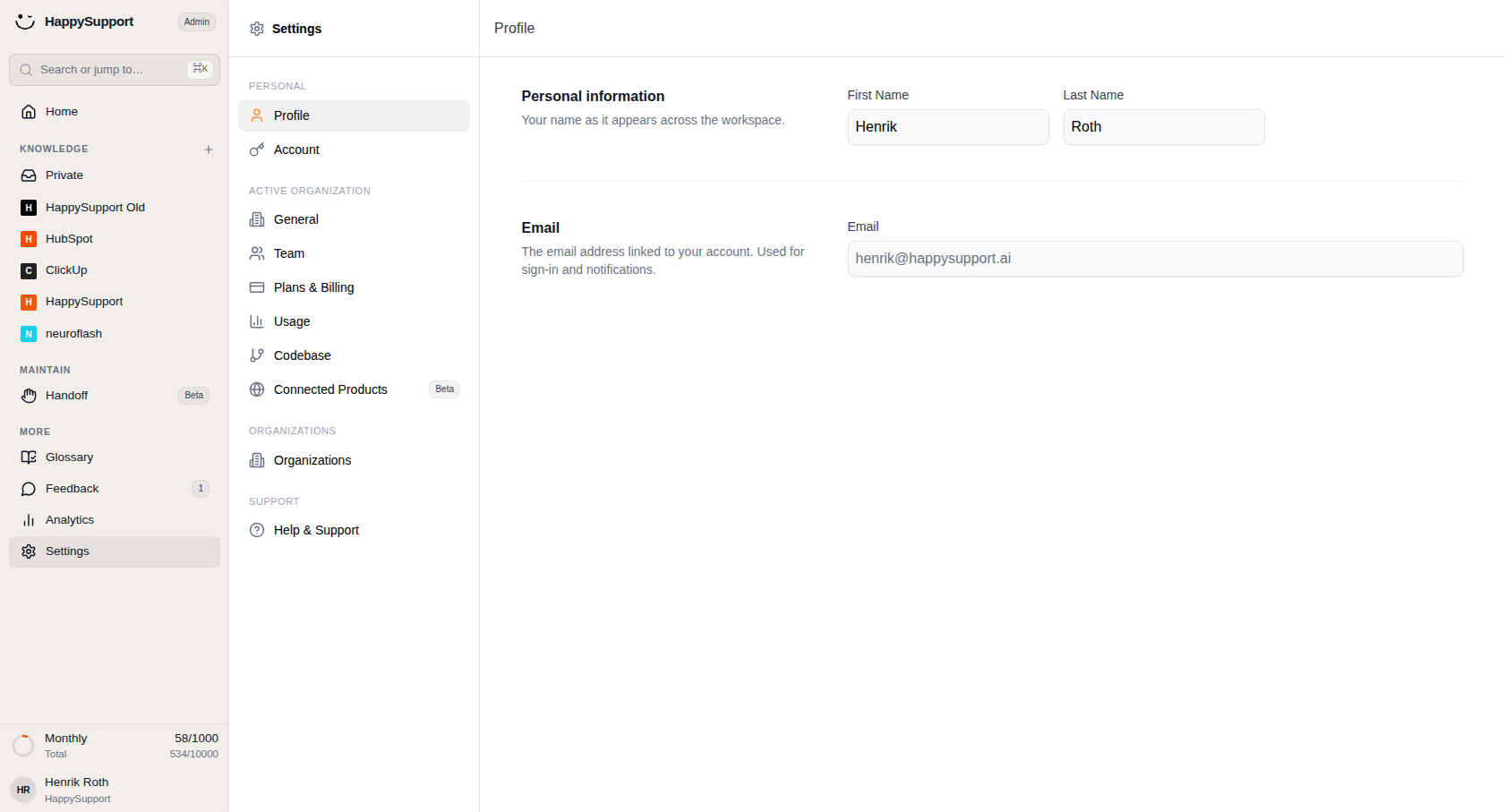
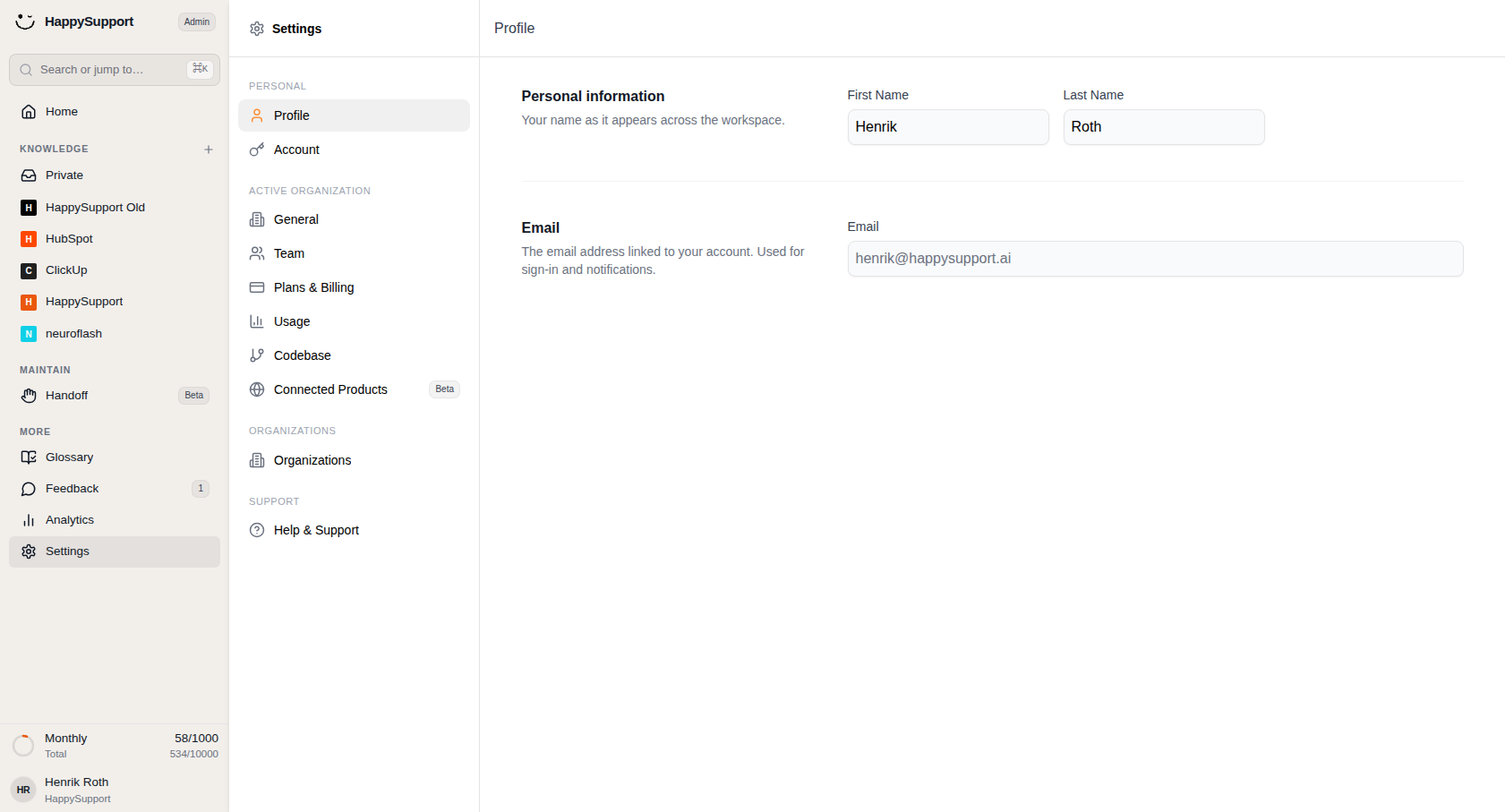
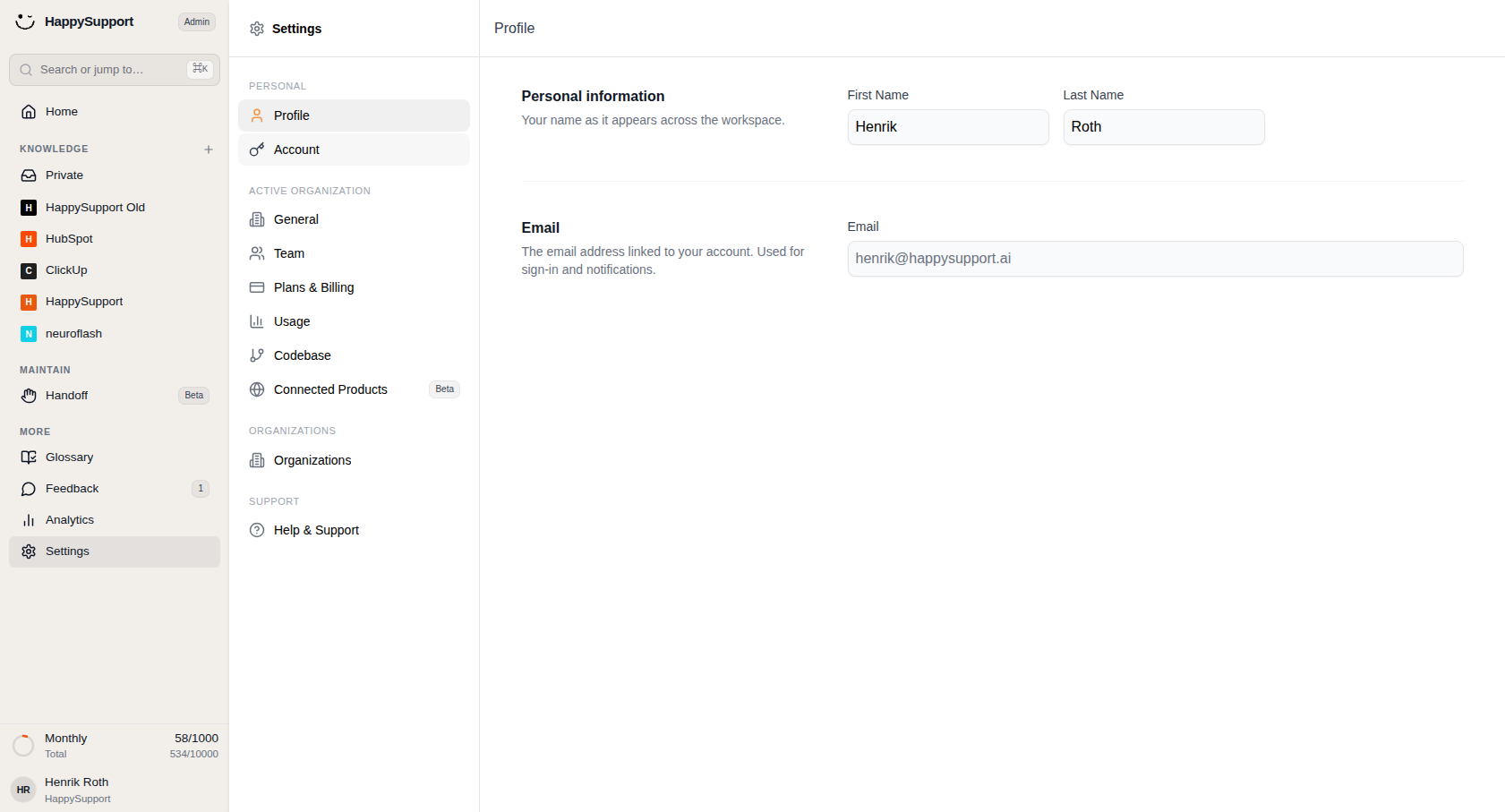
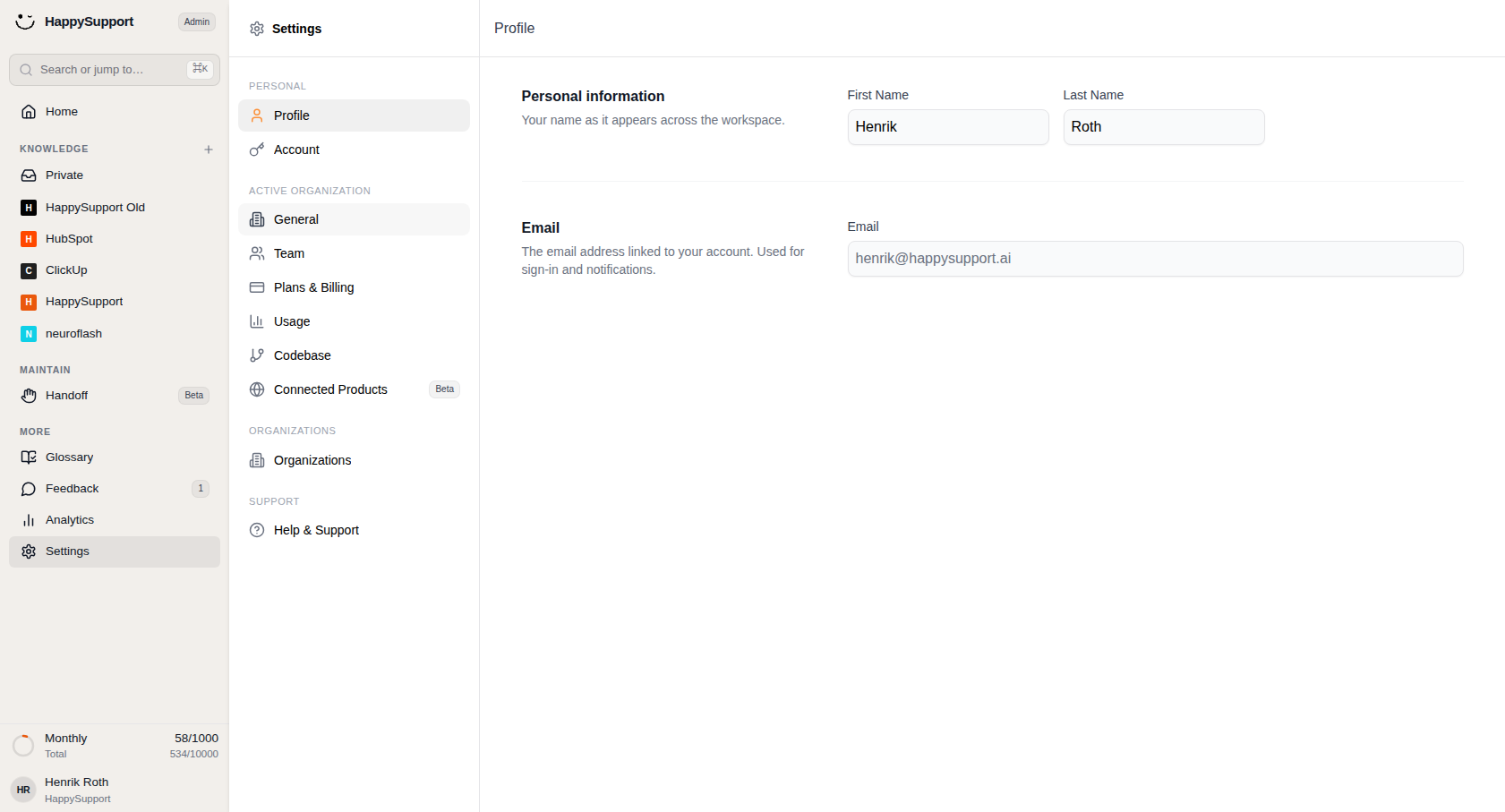
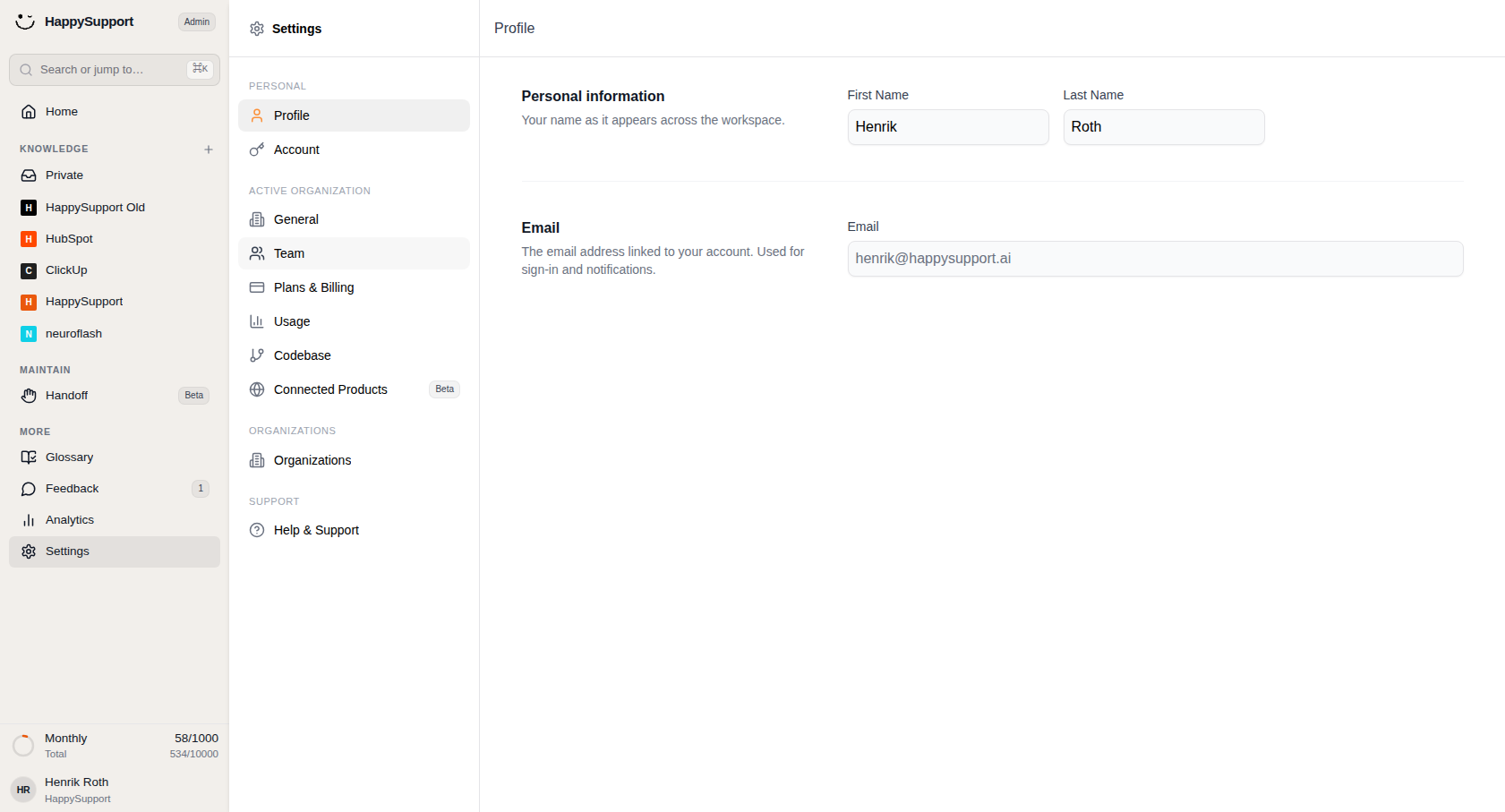
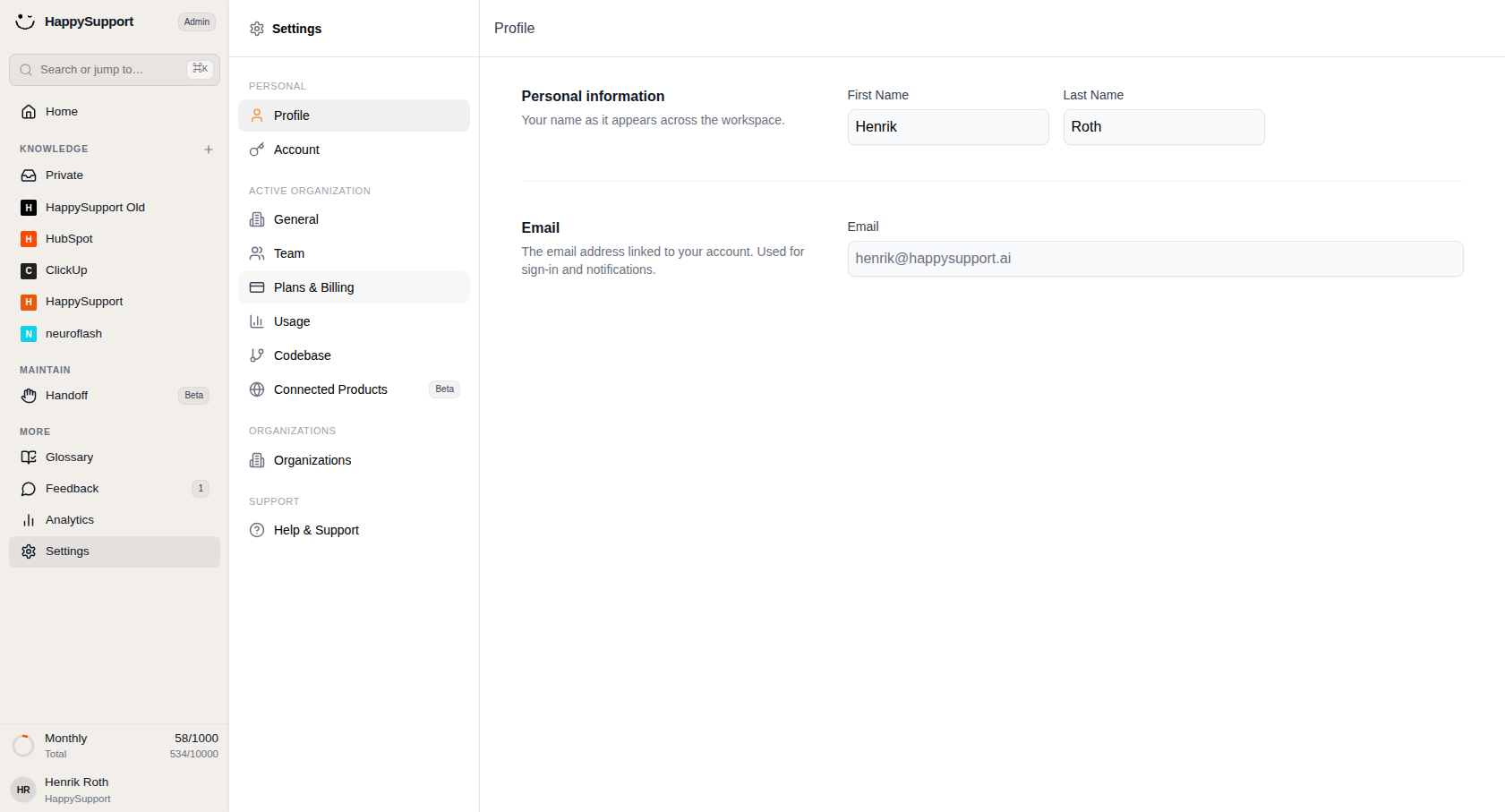
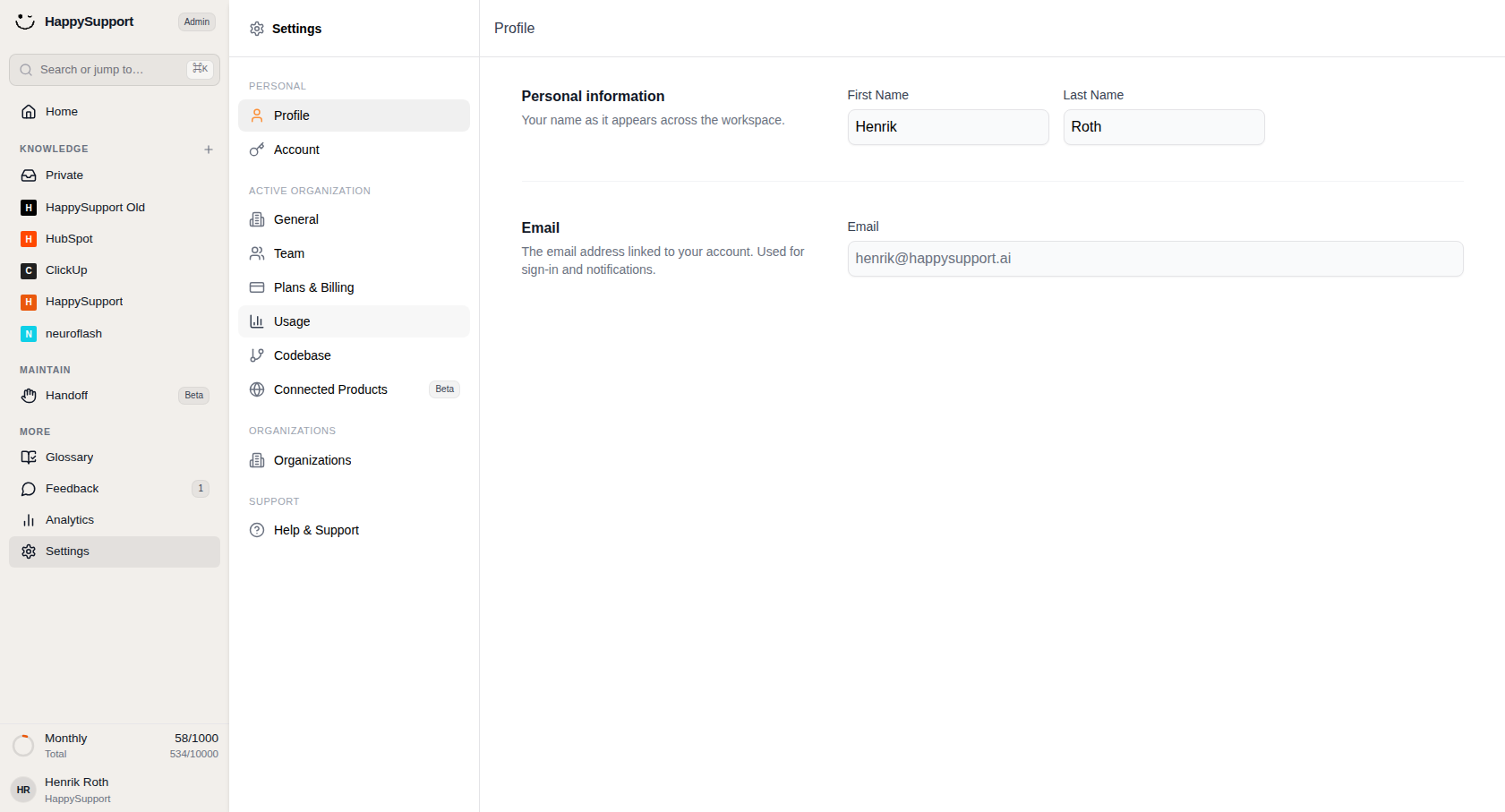
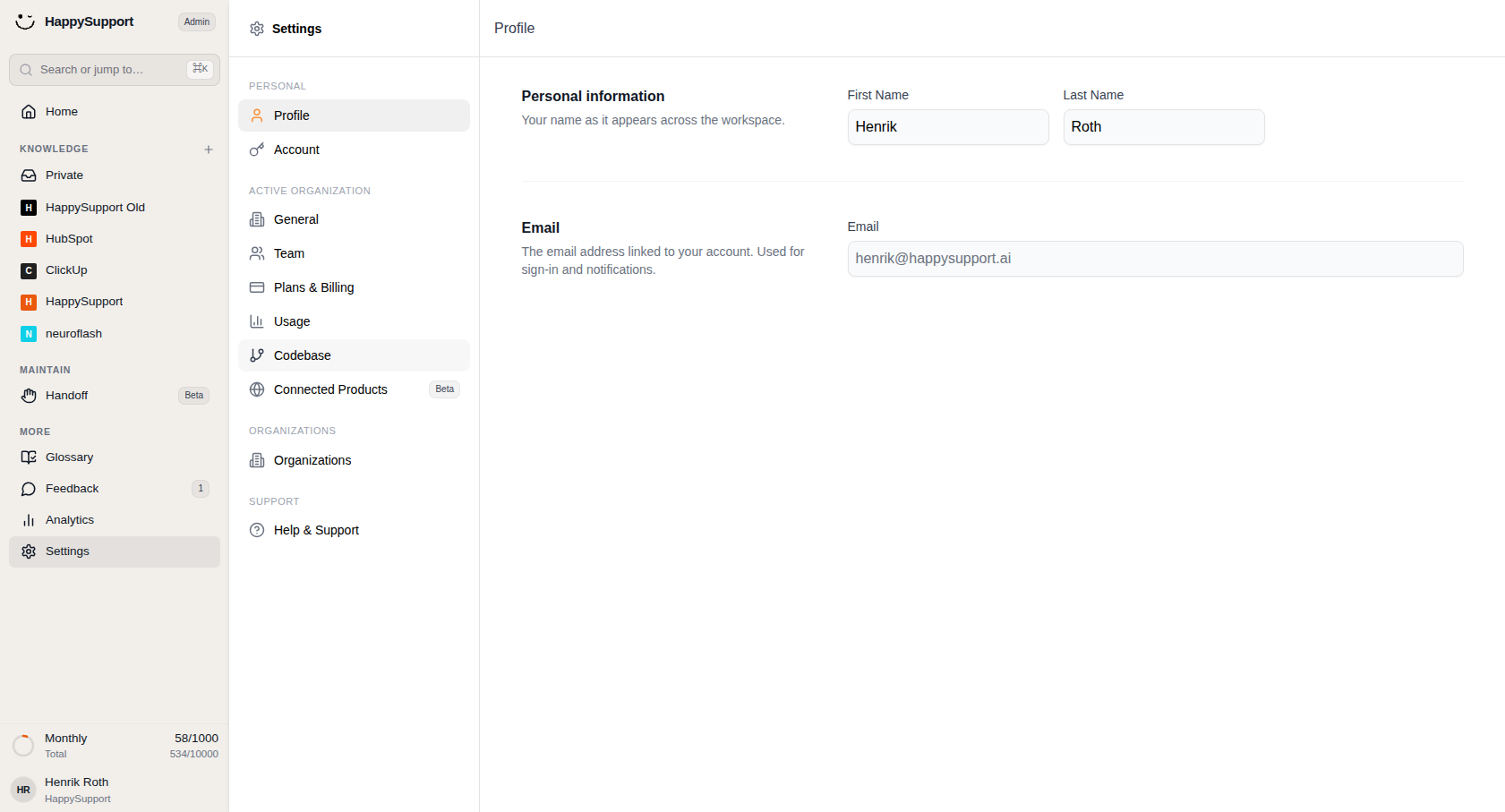
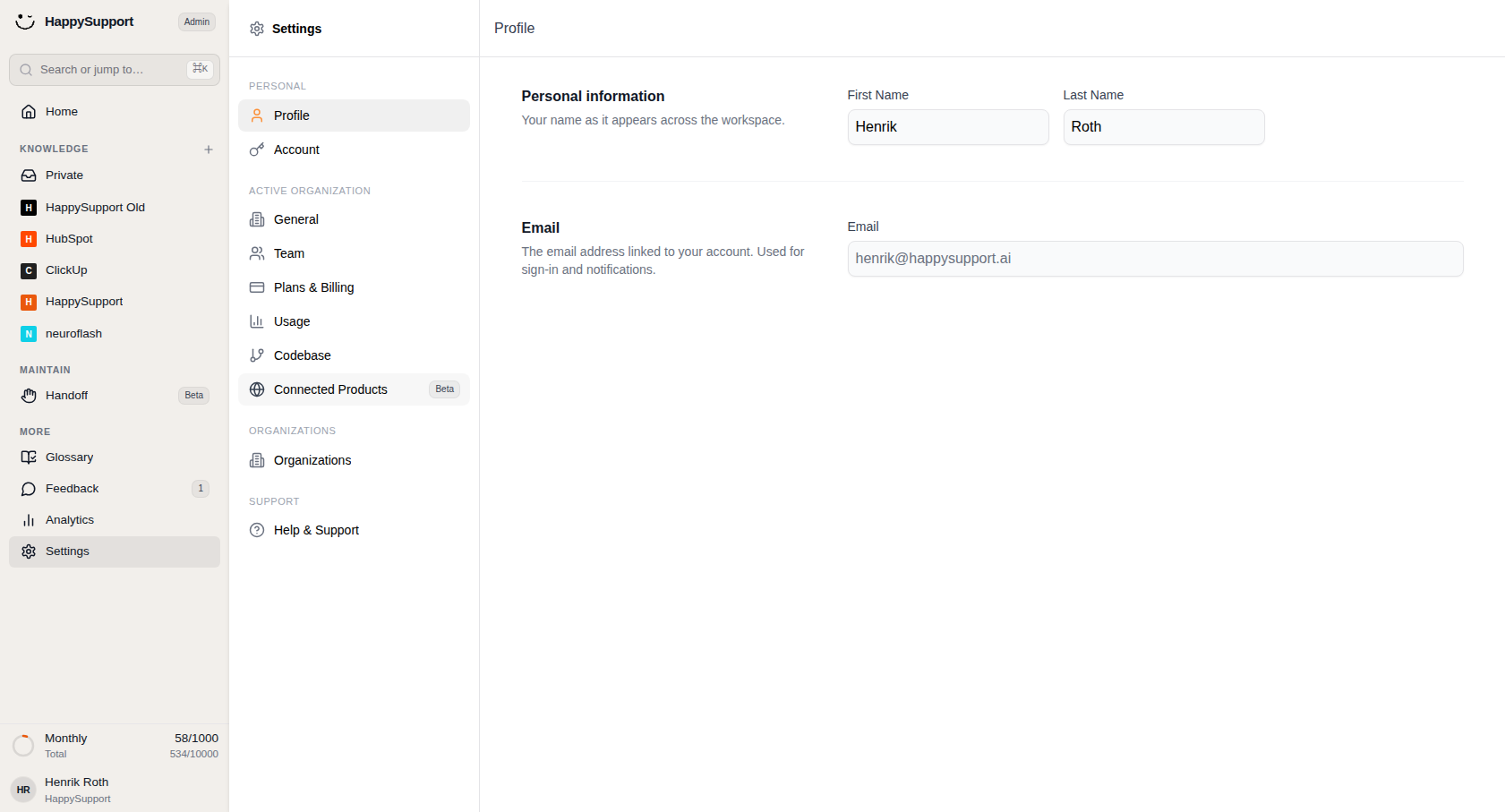
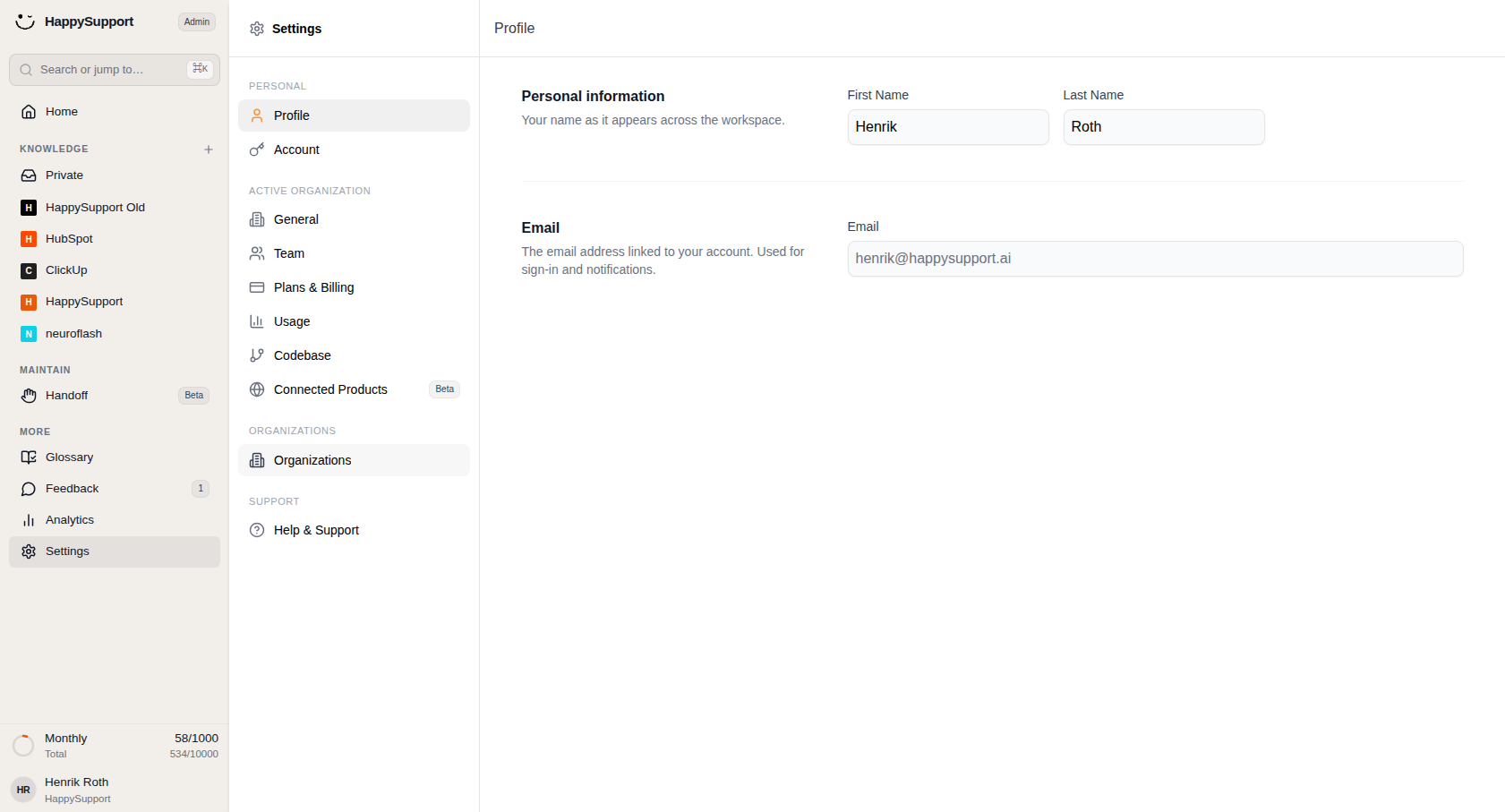
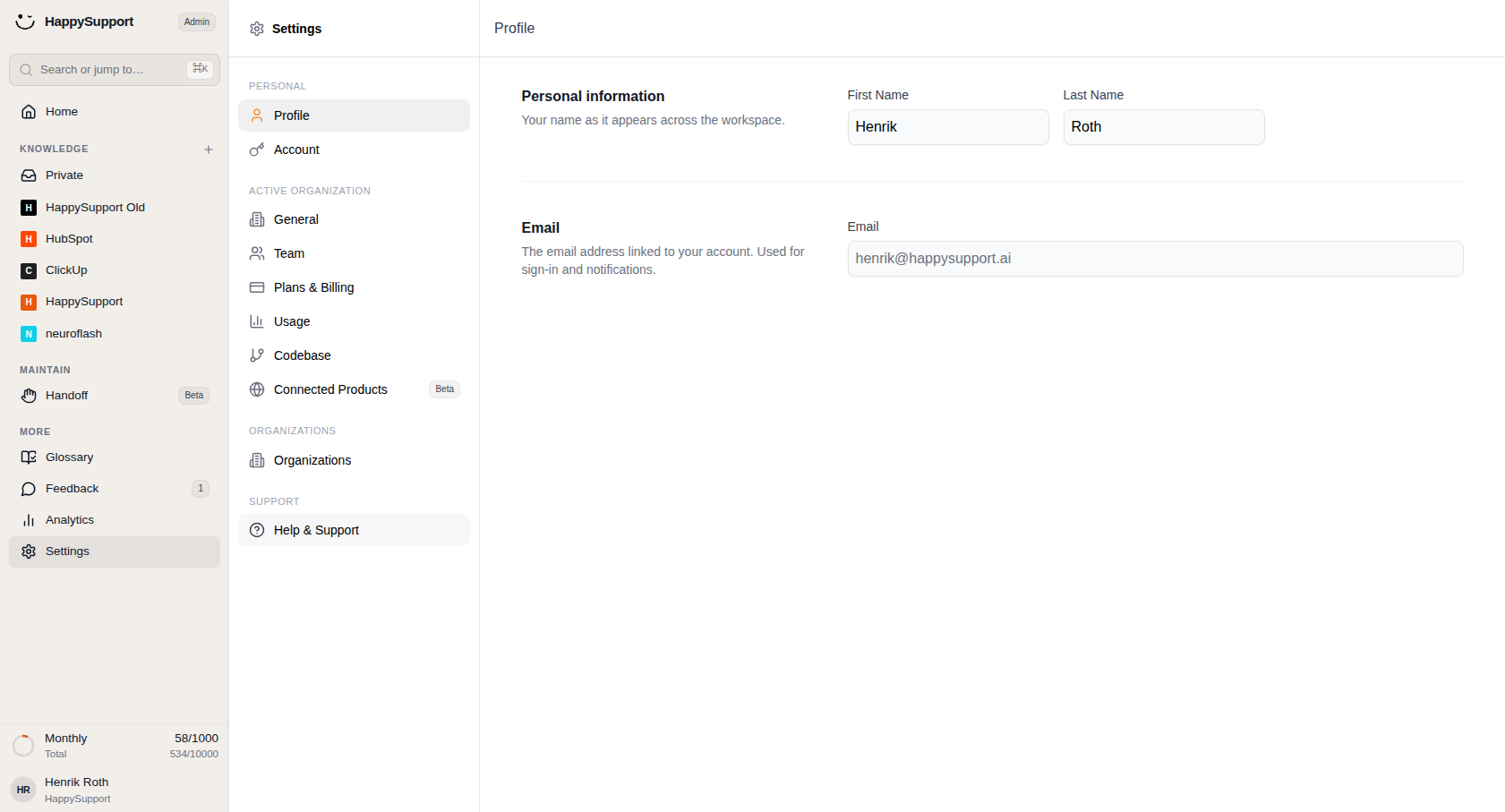 Click Settings to open your account and organization configuration.1/12
Settings Navigation Panel
After selecting Settings from the main sidebar, a secondary navigation panel appears on the left side of the settings area. This panel organizes all available settings into distinct sections, each with its own heading.
Personal
Profile: Opens your personal profile page where you can edit your first name, last name, and view your associated email address. Your name appears across the workspace wherever your identity is displayed.
Account: Provides access to account-level settings related to your individual user account.
Active Organization
General: Contains general configuration options for the currently active organization.
Open General to manage your organization's settings.
Team: Manages team-related settings, including member management and team structure.
Plans & Billing: Handles subscription plans, payment methods, and billing information for the organization.
Usage: Displays usage statistics and consumption data for the organization.
Codebase: Configures codebase connections and related integration settings.
Connected Products (Beta): Links your software login so that HappySupport can update your screenshots automatically. This feature is currently in beta.
Organizations
Organizations: Manages organization-level settings and allows switching between or configuring multiple organizations if applicable.
Support
Help & Support: Provides contact options to the HappySupport team.
MCP
MCP Settings: Configures connections for external MCP-compatible clients through OAuth. For setup instructions, see the MCP connection guide.
 Powered by happysupport.ai