
Managing Your Account and Organization Settings
The Settings area lets you manage your personal account details and configure organization-wide preferences through a structured navigation panel.

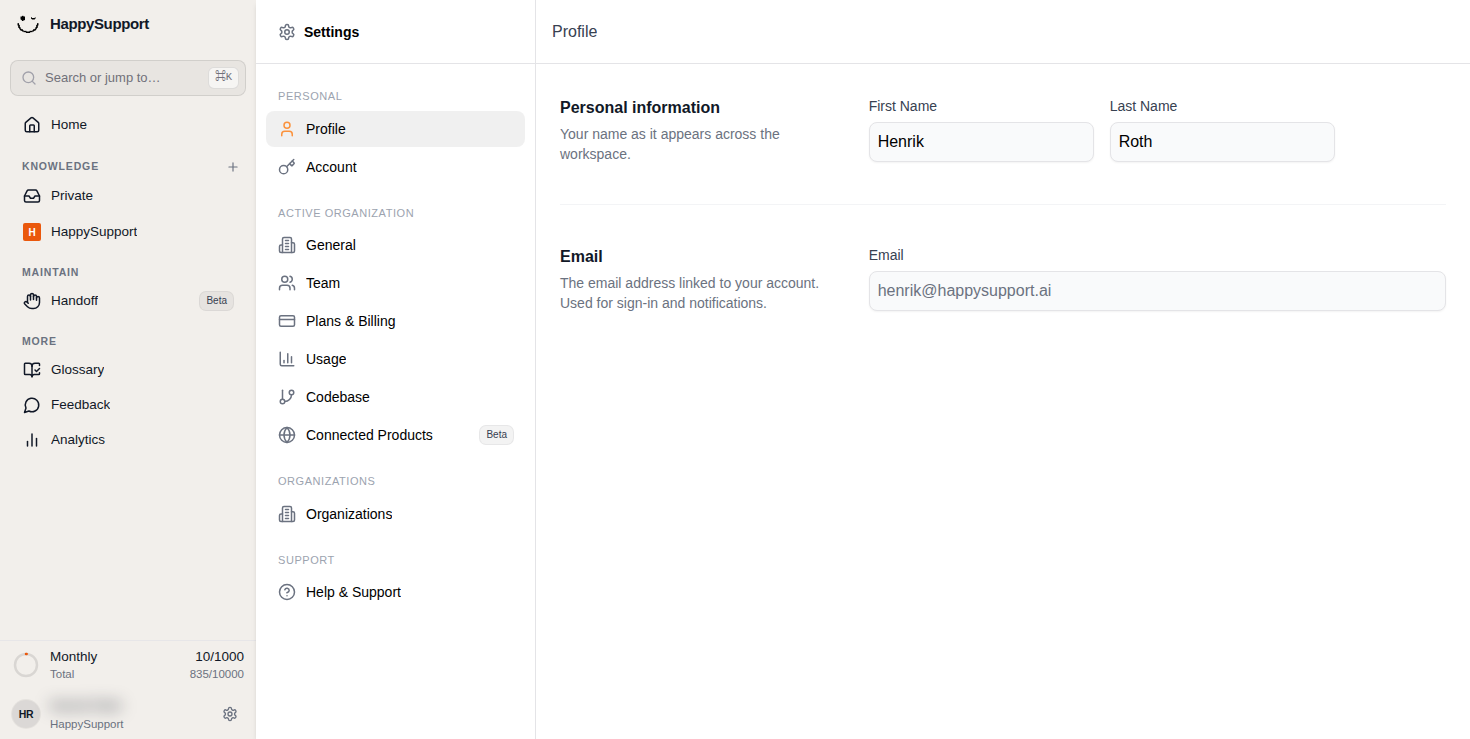
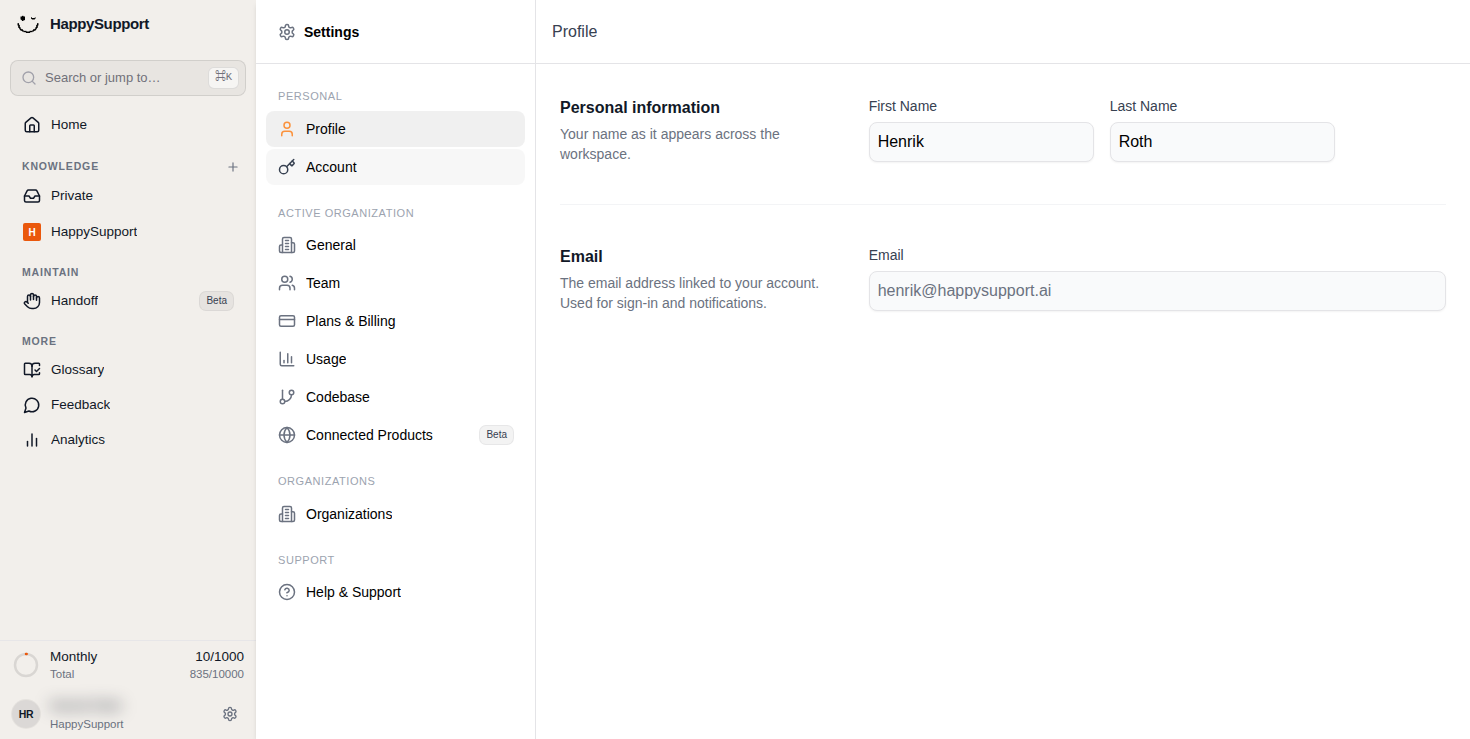
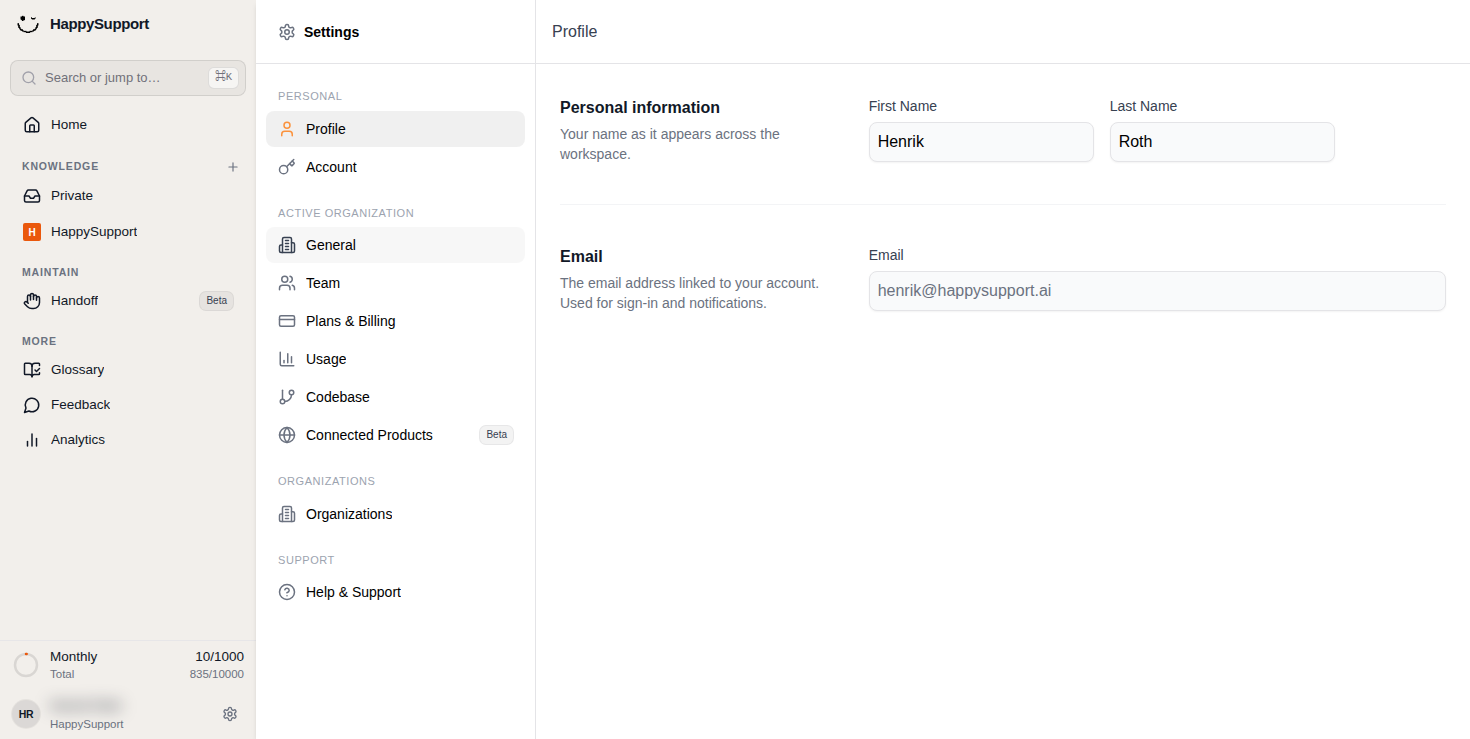
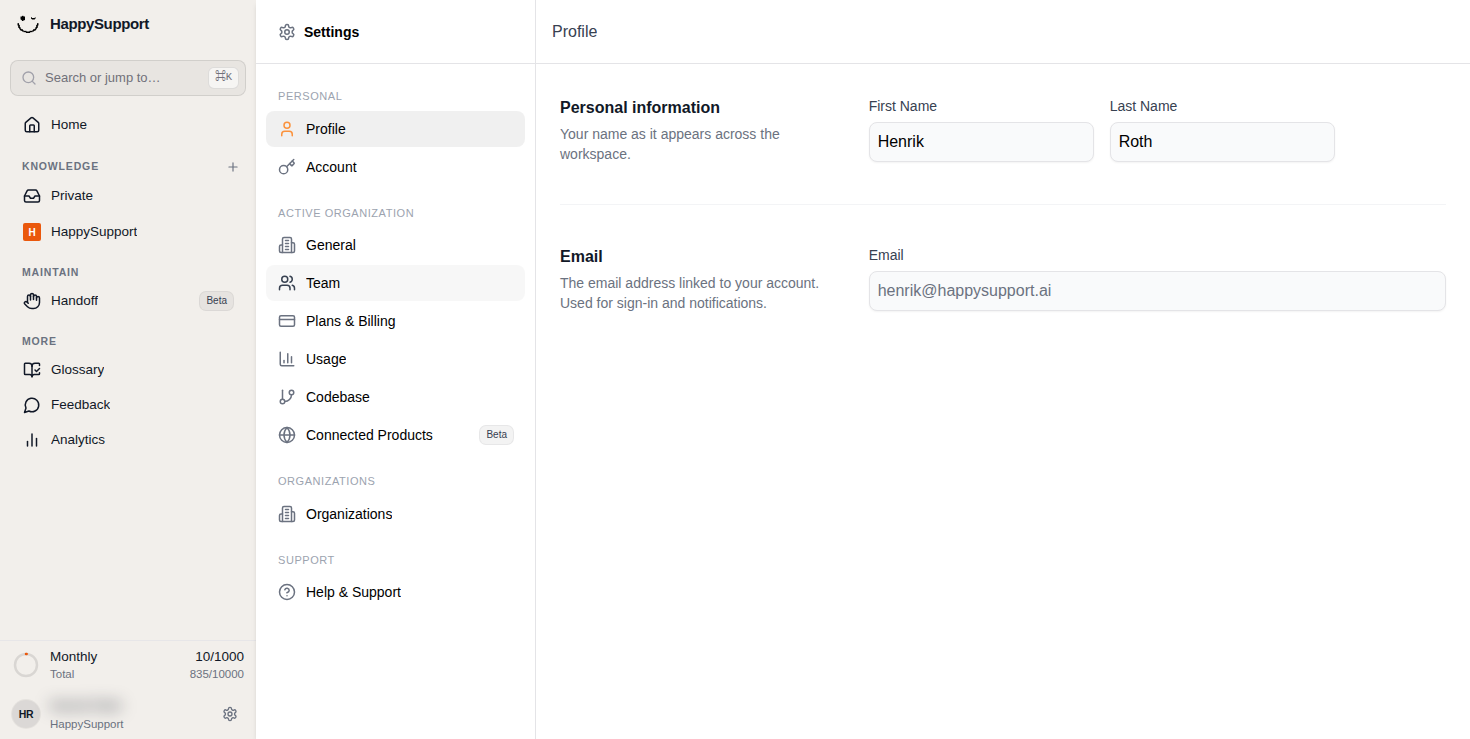
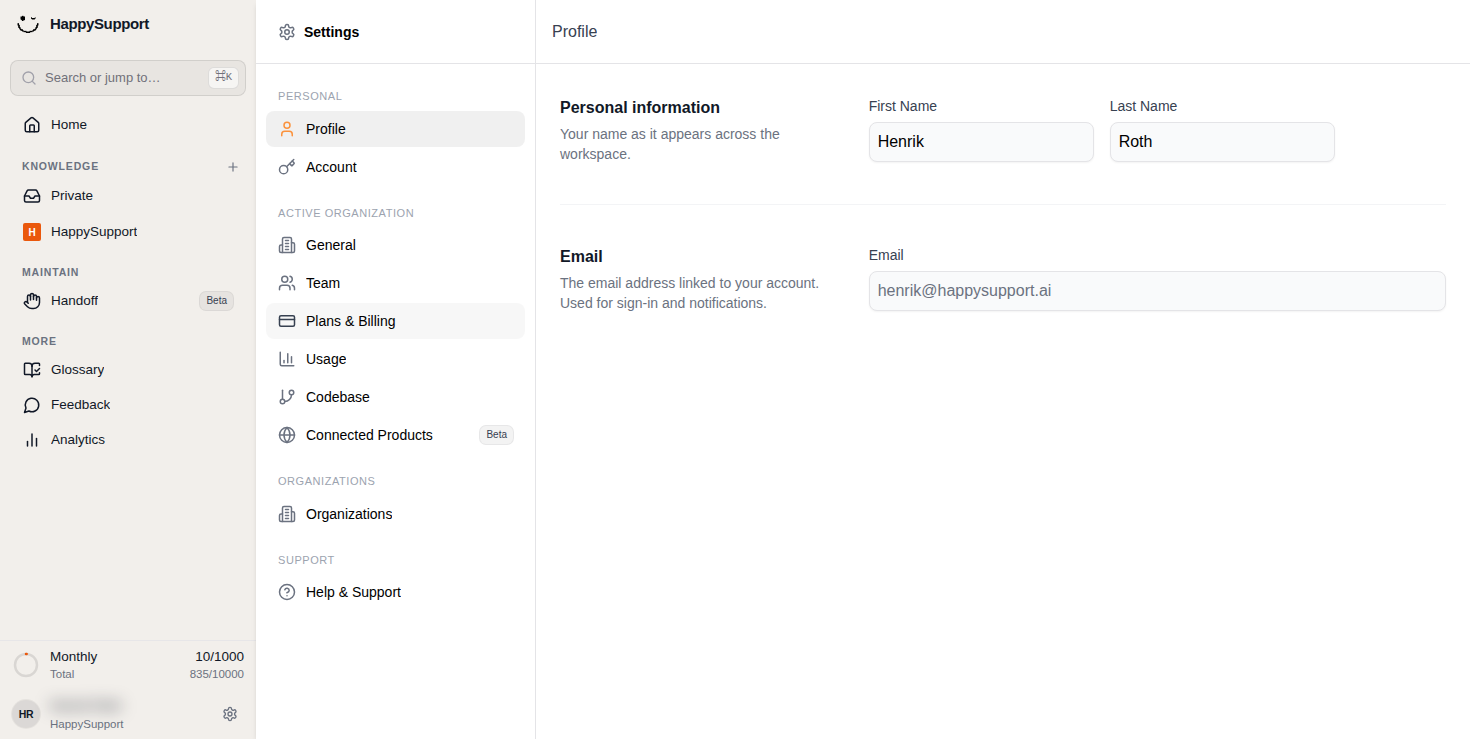
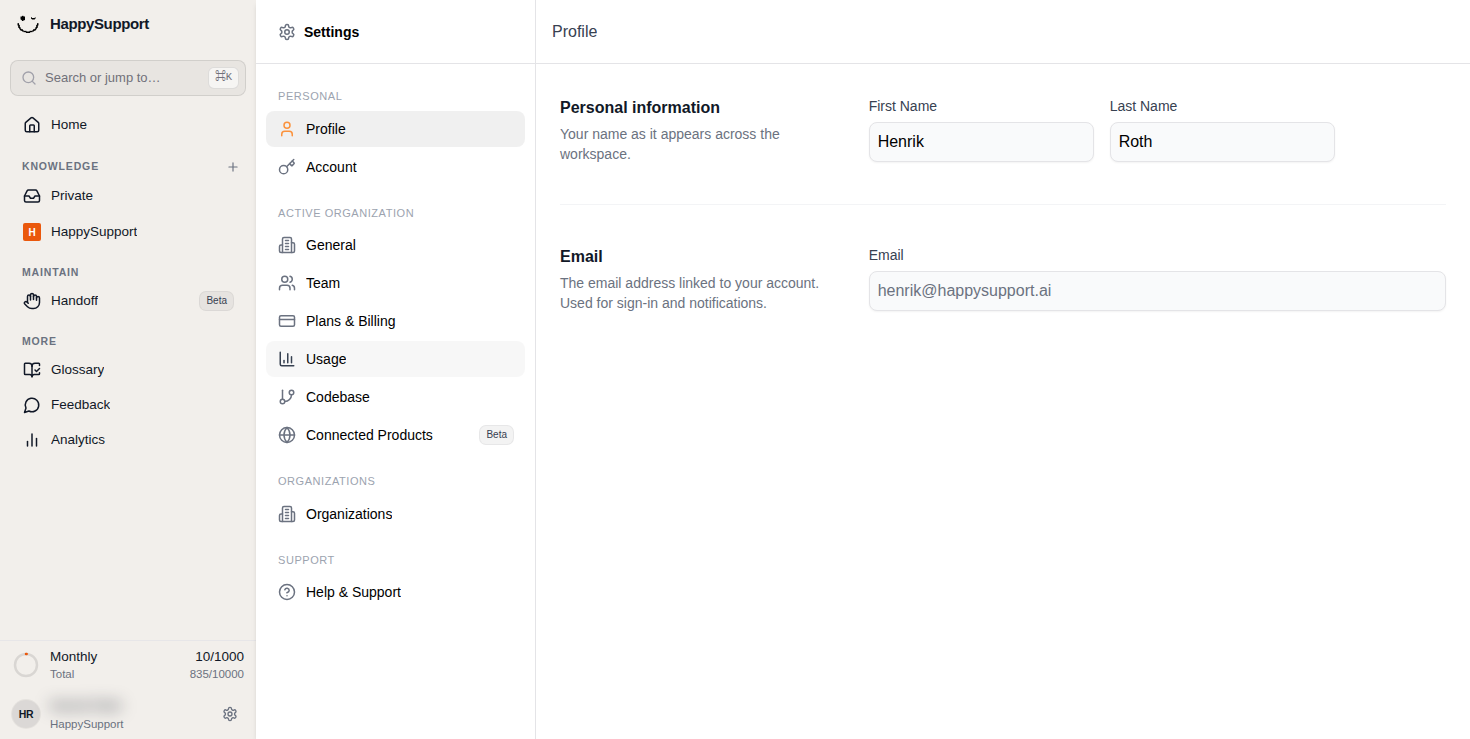
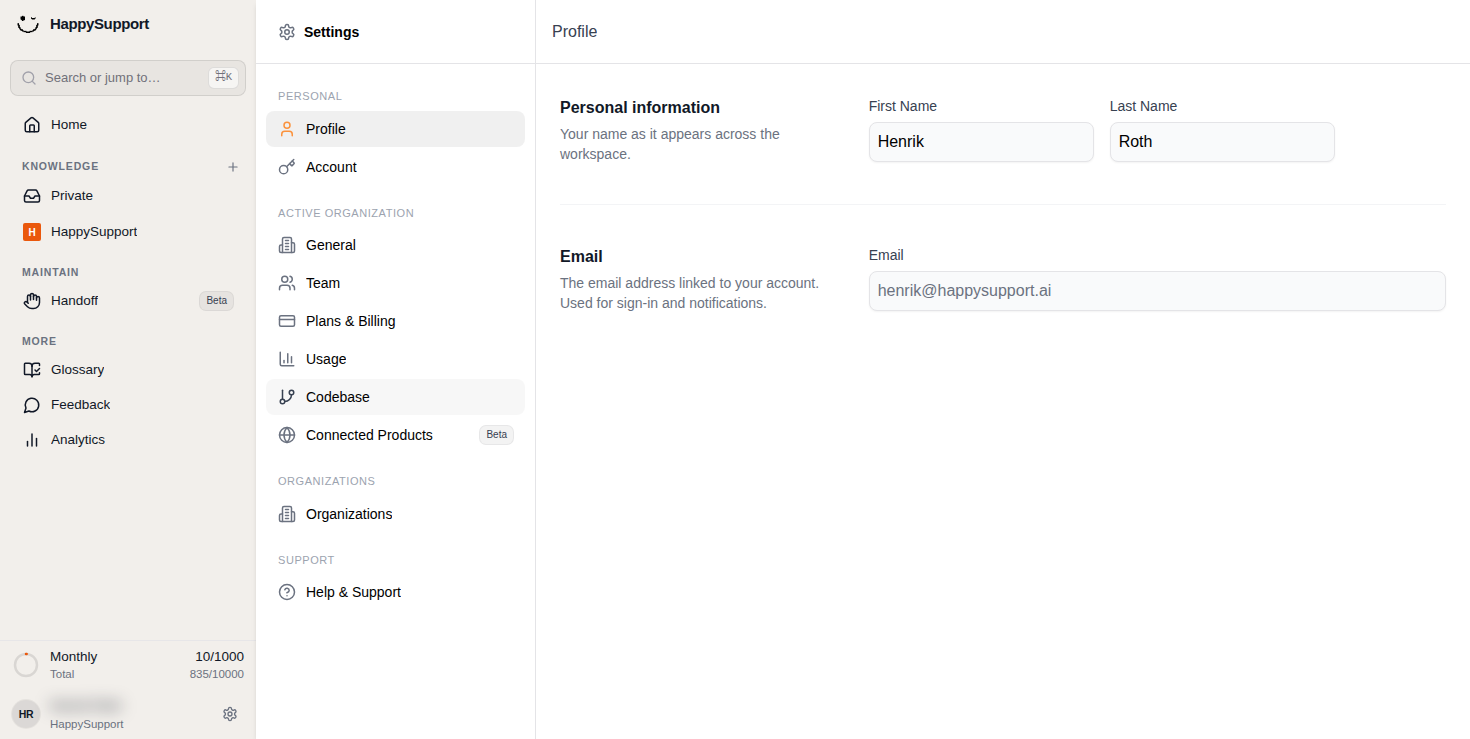
 Open Profile to update your name and email address.1/8
Settings Navigation Panel
The Settings panel appears as a sidebar with grouped menu items organized by category. Each section contains related configuration options.
Personal: This group includes your individual account options. The Profile item opens your personal information and email settings. The Account item provides access to authentication and security preferences.
Active Organization: This section contains settings that apply to your current workspace. General covers core organization preferences. Team lets you manage members and collaborators. Plans & Billing handles subscription and payment details. Usage displays activity metrics and consumption limits. Codebase provides repository or code integration settings. Connected Products (marked Beta) manages third-party integrations.
Organizations: This standalone item gives you access to organization management, useful if you belong to multiple workspaces.
Support: The Help & Support item connects you to assistance resources.
Profile Page
The Profile page displays your personal information in a clean form layout.
Personal information: You can edit your First Name and Last Name fields here. These values appear across your workspace wherever your identity is shown.
Email: This section shows the email address linked to your account. This address is used for sign-in and notifications.
 Powered by happysupport.ai