
Get feedback on your articles
Manage reader feedback on Help Center articles using the Feedback page with status and sentiment filters to mark items resolved or delete them.
The Article feedback page lets you view, filter, and manage reader reactions to your Help Center content.

Sidebar Navigation
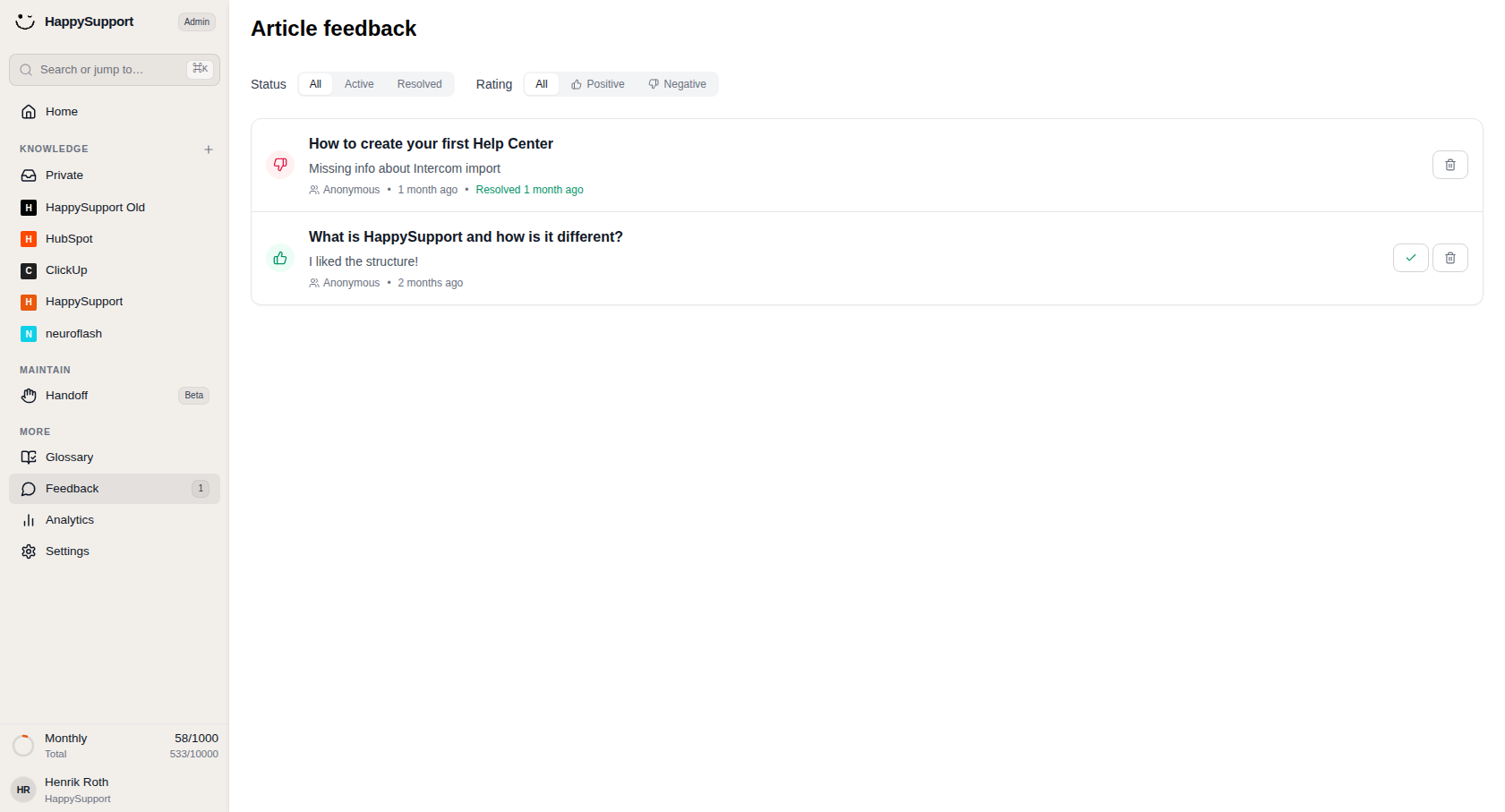
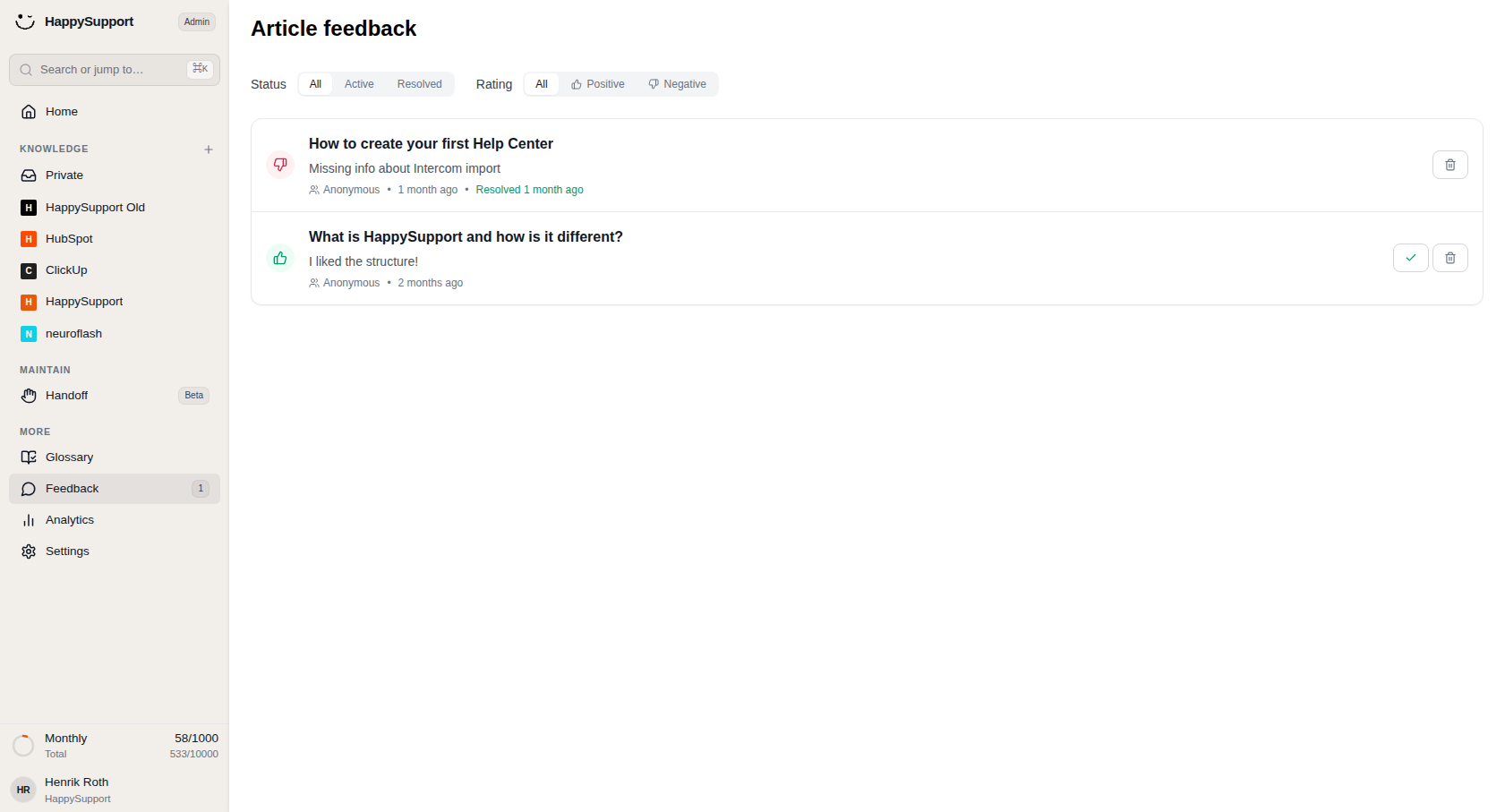
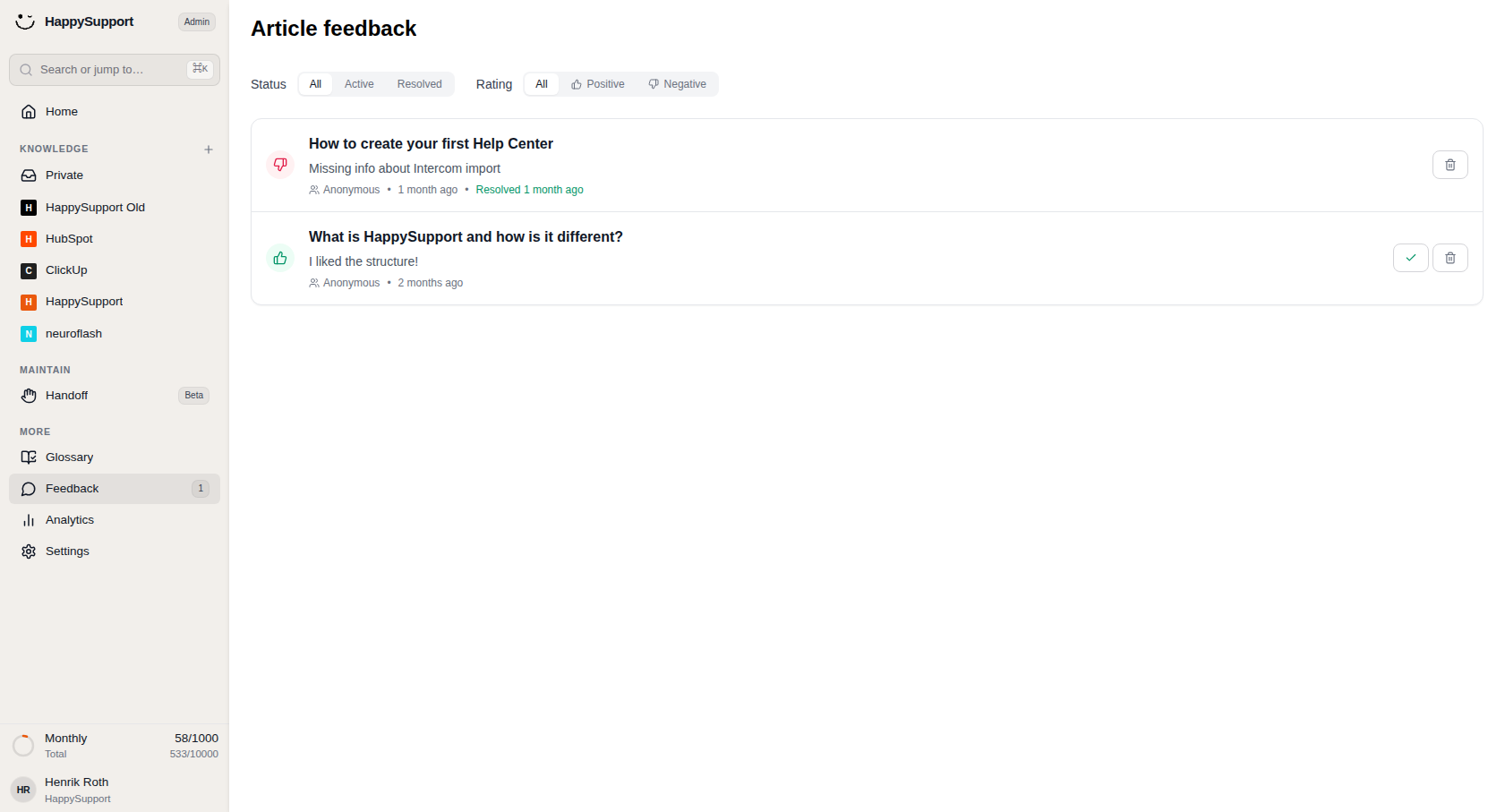
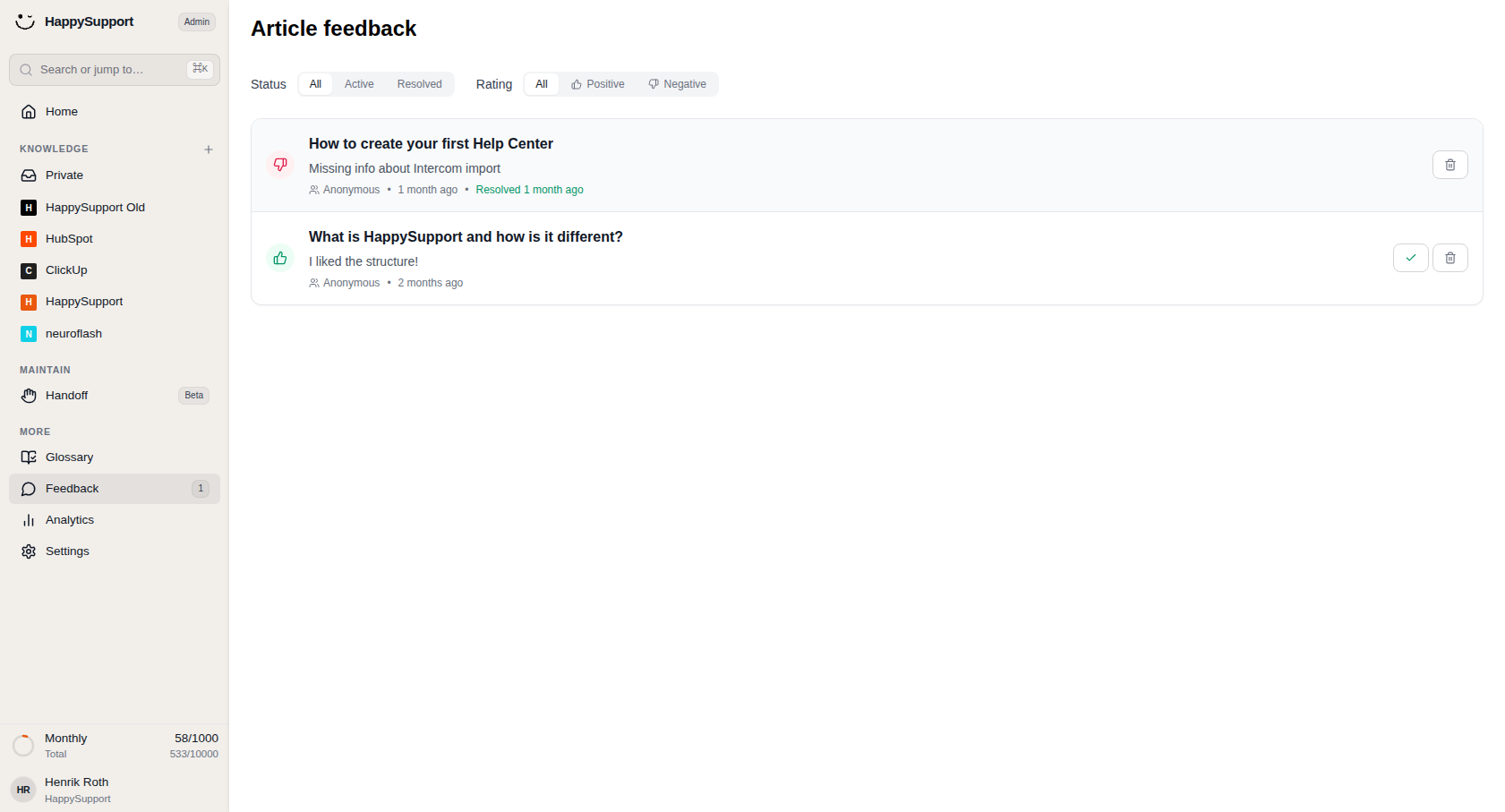
The Feedback item sits in the "More" section of the left sidebar. A small badge displays the count of unresolved feedback items, so you can quickly see if new responses need attention. Selecting it opens the Article feedback page in the main workspace.
Article feedback Page
This page collects all reader feedback submitted on your published articles. Two filter bars at the top help you narrow down what you see, and the feedback list below shows matching entries.
Status filter: Choose between "All," "Active," or "Resolved" to display feedback based on whether it has been addressed. "All" is selected by default.
Rating filter: Switch between "All," "Positive," or "Negative" to show feedback by sentiment. Each option includes a thumbs-up or thumbs-down icon for quick recognition.
Feedback List
Each feedback entry appears as a row inside a rounded container. The structure includes:
Sentiment icon: A colored circle on the left indicates the type of feedback: green with a thumbs-up for positive, pink with a thumbs-down for negative.
Article title and comment: The linked article name appears in bold, followed by the reader's written feedback beneath it.
Metadata: Below the comment you'll find the submitter info (often "Anonymous"), the submission date, and the resolution timestamp if applicable (shown in green text).
Action buttons: On the right side of each row, you can mark feedback as resolved using the checkmark button or remove it entirely with the trash icon. Resolved items only show the delete option.
 Powered by happysupport.ai