
Managing Your Account and Organization Settings
Manage personal account details, organization settings, team members, billing, and integrations through the Settings navigation panel.
The Settings area lets you manage your personal account details and configure organization-wide preferences through a structured navigation panel.

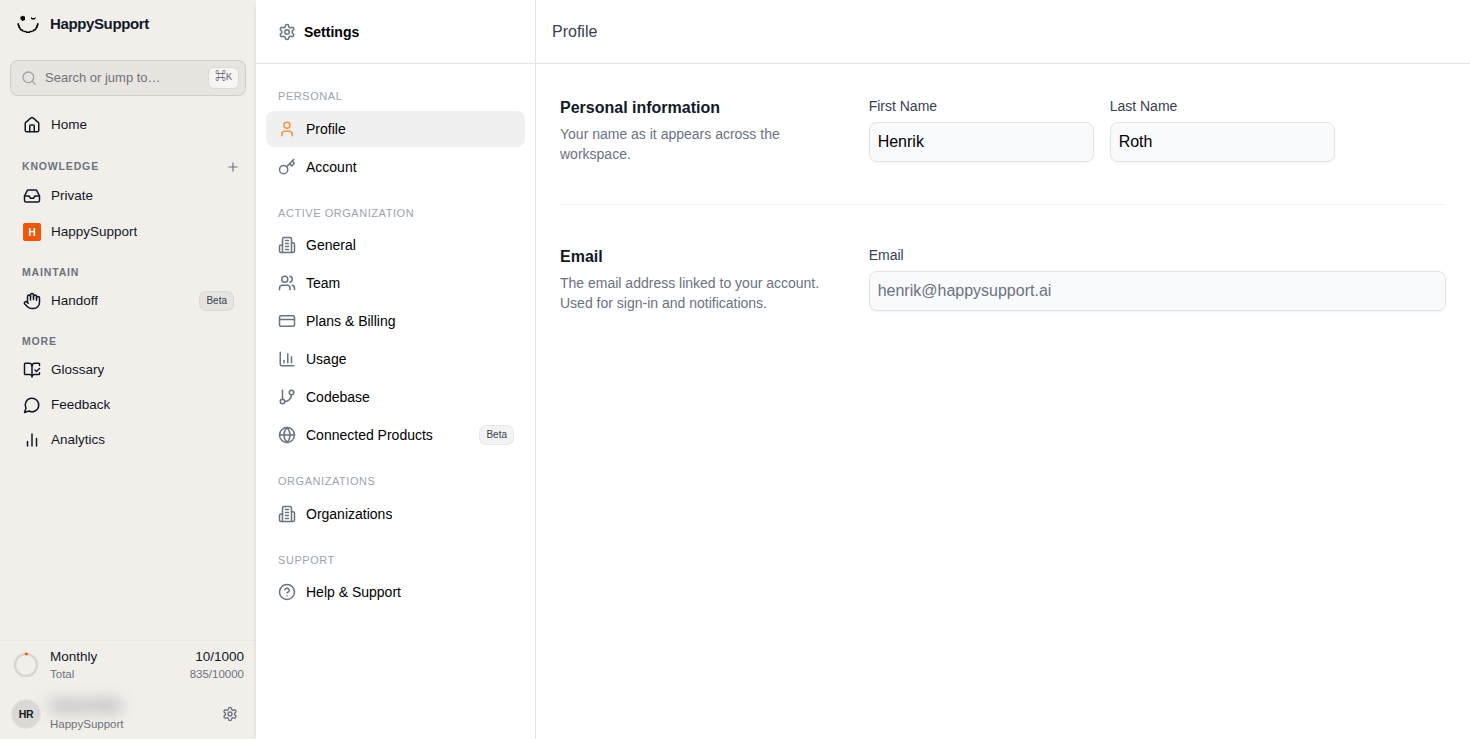
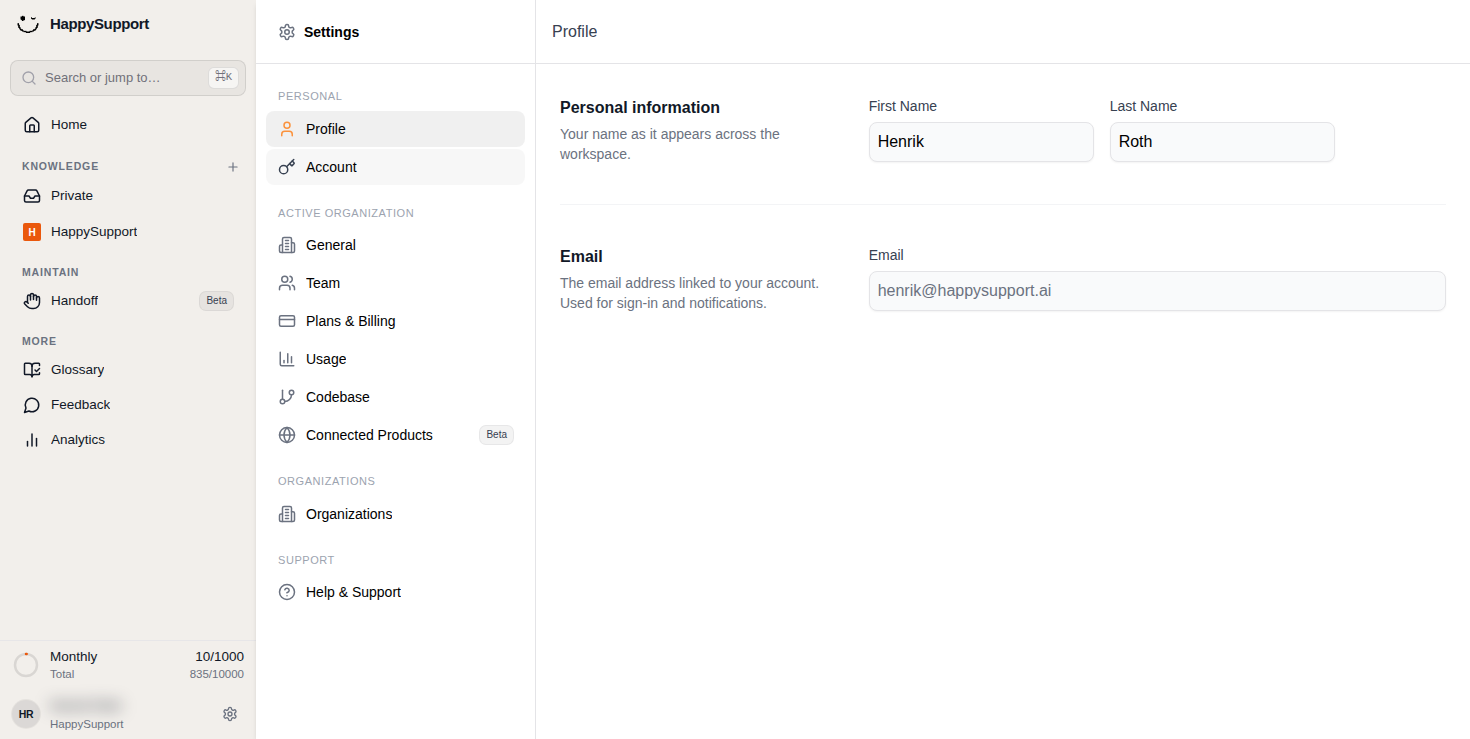
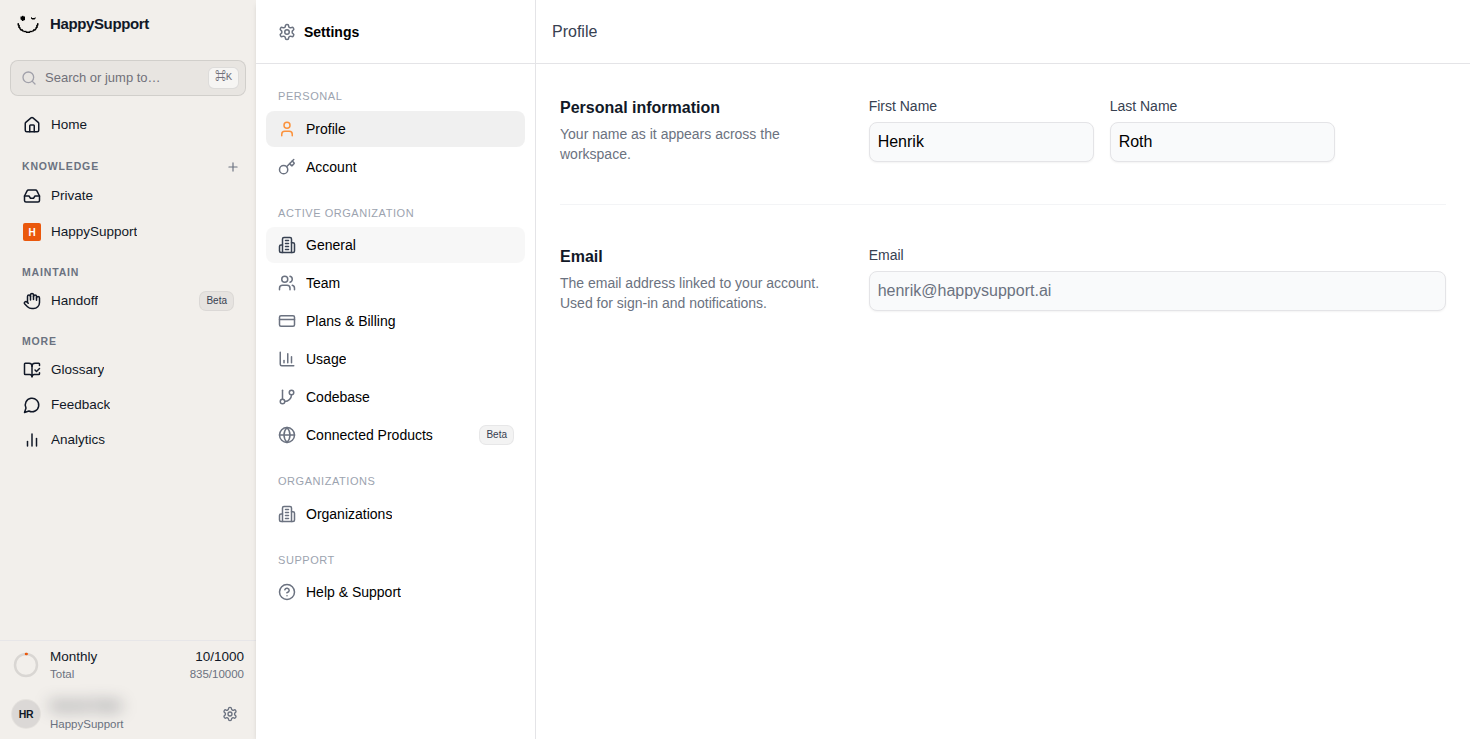
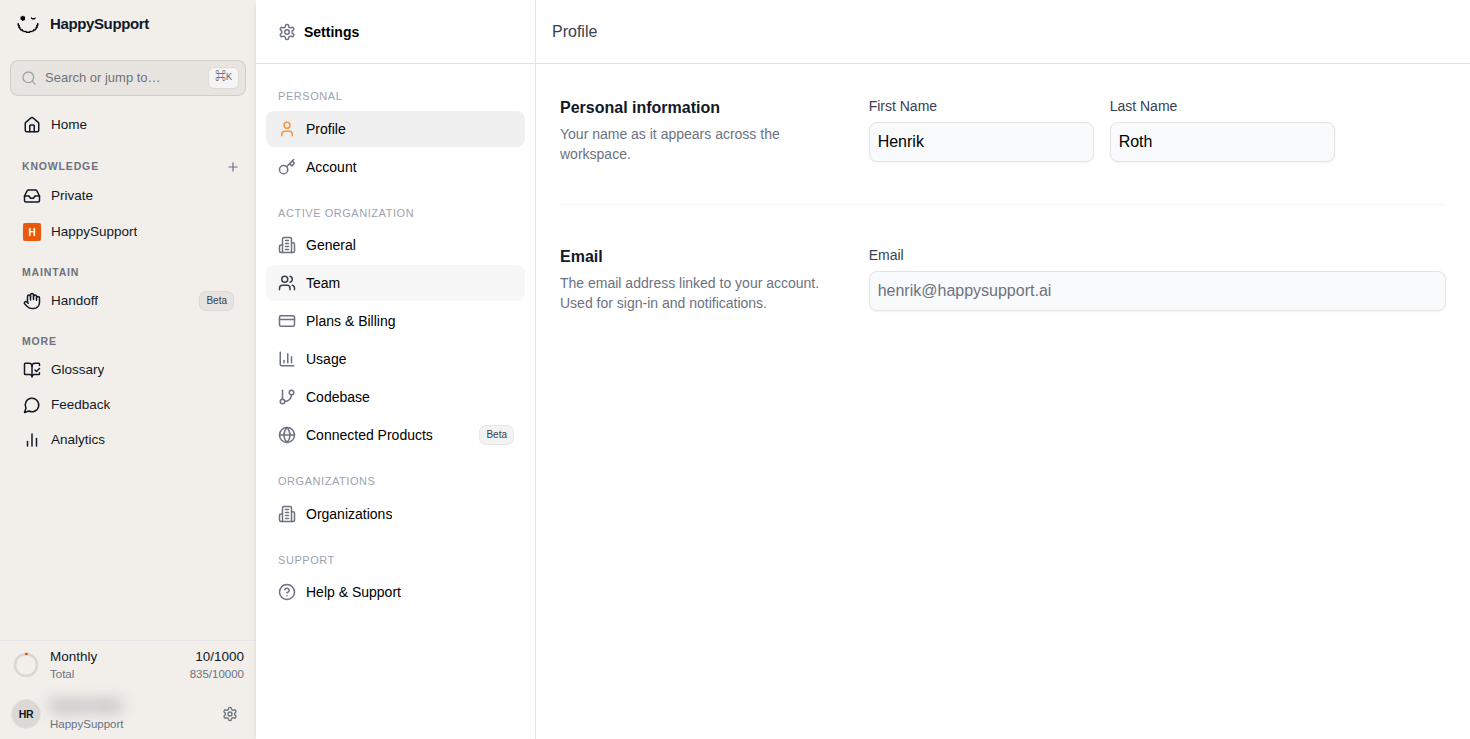
Settings Navigation Panel
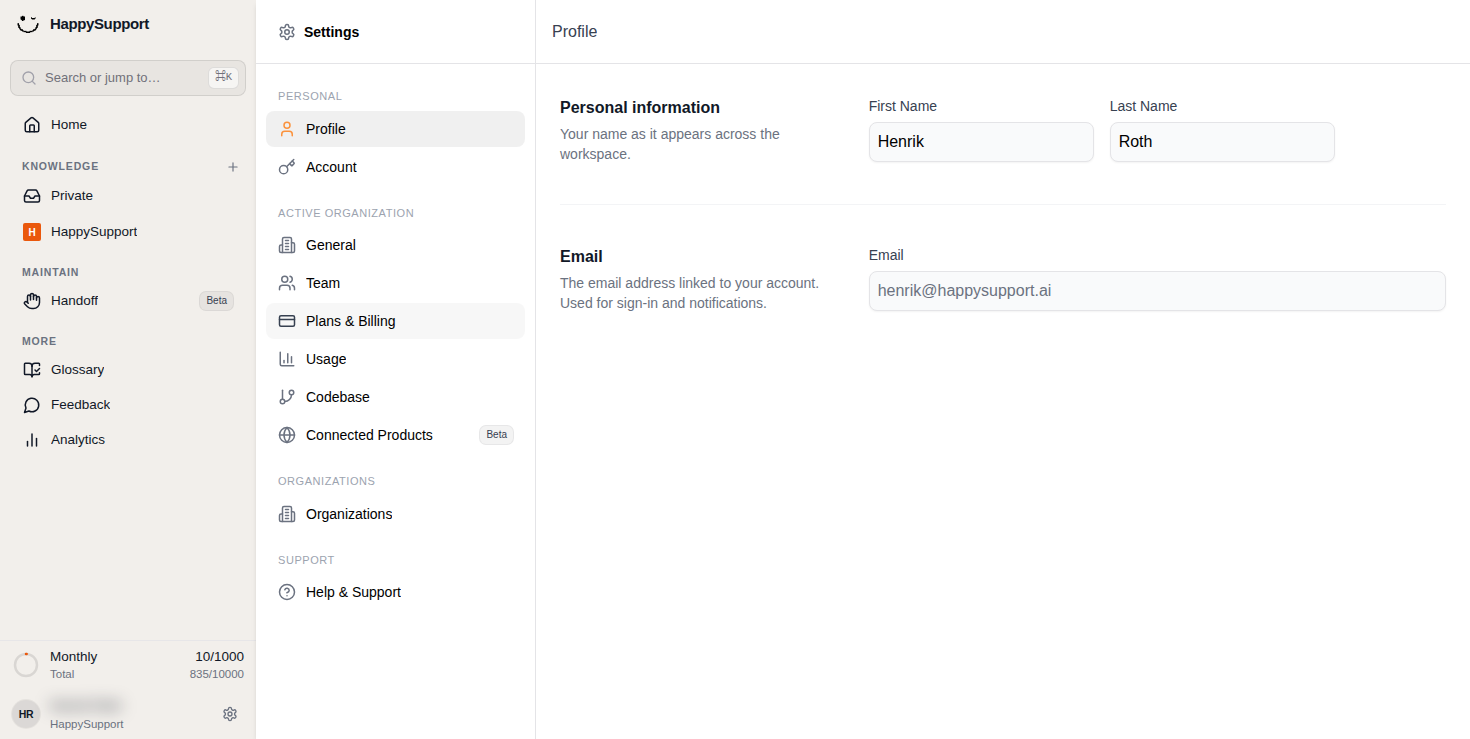
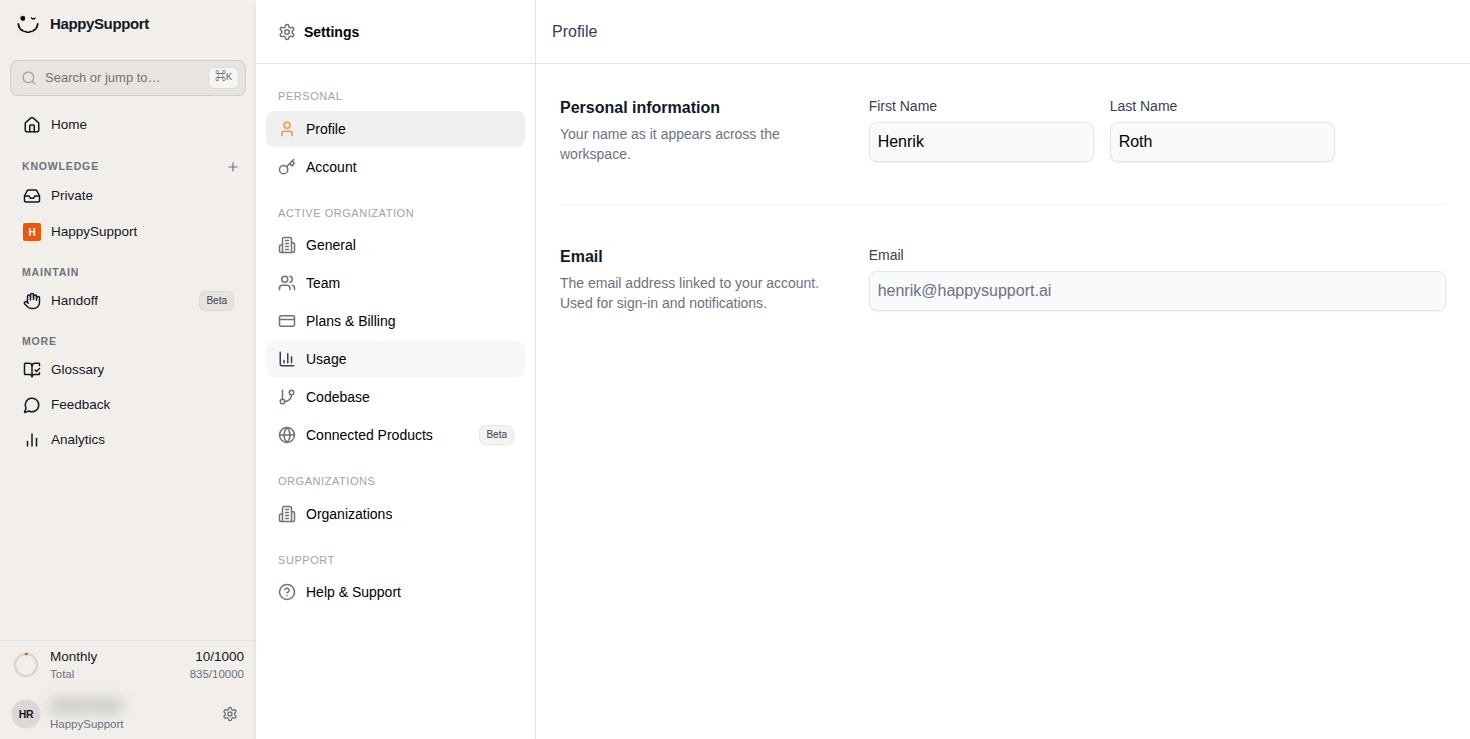
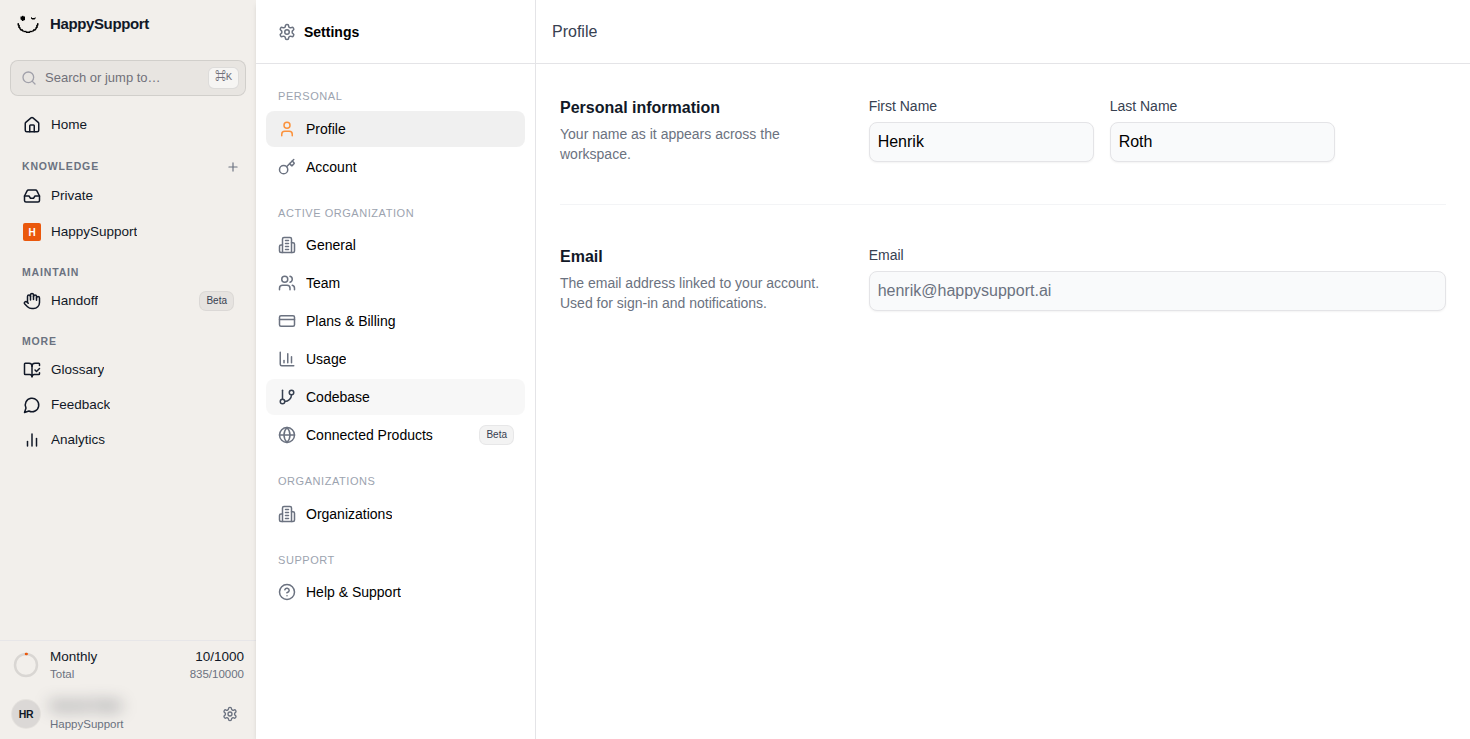
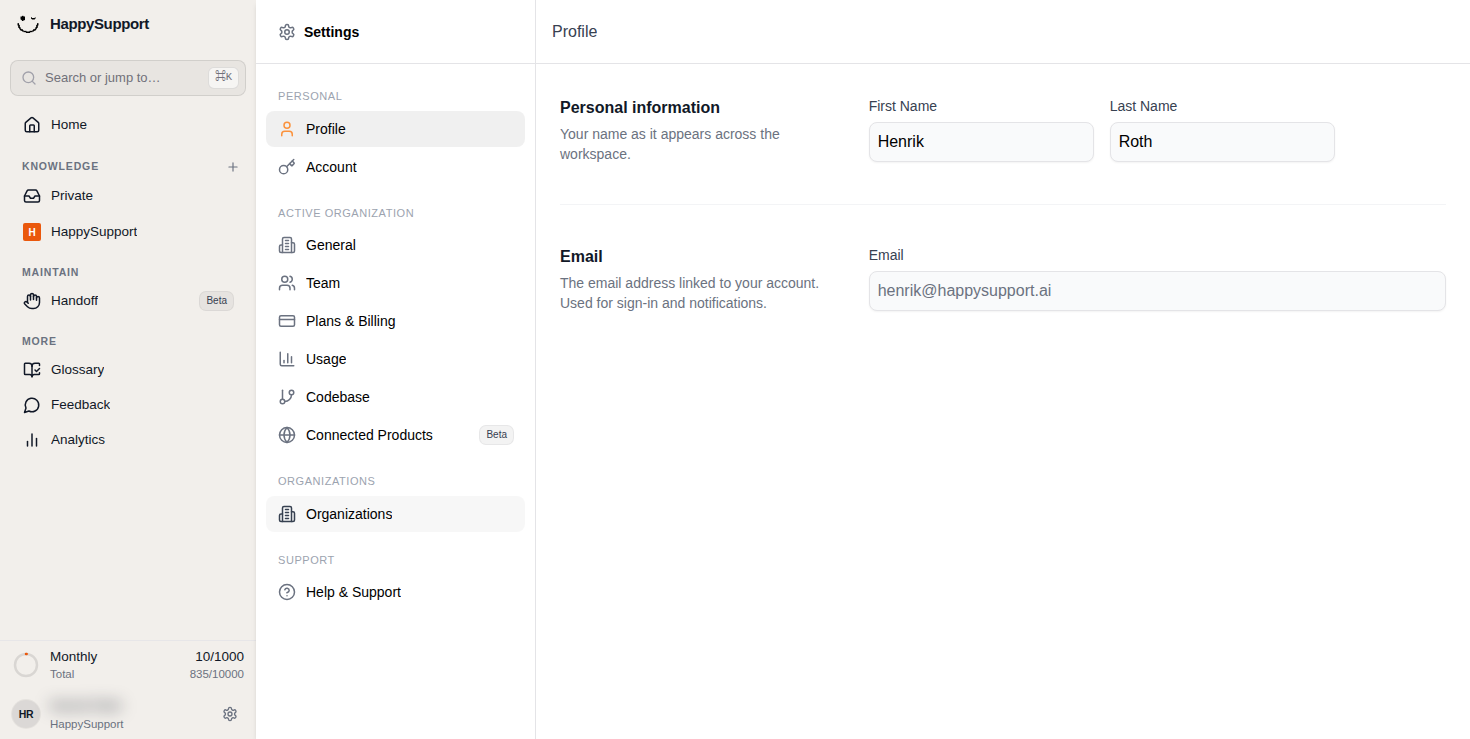
The Settings panel appears as a sidebar with grouped menu items organized by category. Each section contains related configuration options.
Personal: This group includes your individual account options. The Profile item opens your personal information and email settings. The Account item provides access to authentication and security preferences.
Active Organization: This section contains settings that apply to your current workspace. General covers core organization preferences. Team lets you manage members and collaborators. Plans & Billing handles subscription and payment details. Usage displays activity metrics and consumption limits. Codebase provides repository or code integration settings. Connected Products (marked Beta) manages third-party integrations.
Organizations: This standalone item gives you access to organization management, useful if you belong to multiple workspaces.
Support: The Help & Support item connects you to assistance resources.
Profile Page
The Profile page displays your personal information in a clean form layout.
Personal information: You can edit your First Name and Last Name fields here. These values appear across your workspace wherever your identity is shown.
Email: This section shows the email address linked to your account. This address is used for sign-in and notifications.
 Powered by happysupport.ai