
Article templates for support articles
Select an article template—Step by Step Guide, Descriptive Guide, FAQ, Reference, Knowledge, or Best Practices—to structure your support content efficiently.
When you create a new article, you can assign a template type to define the content format and structure.

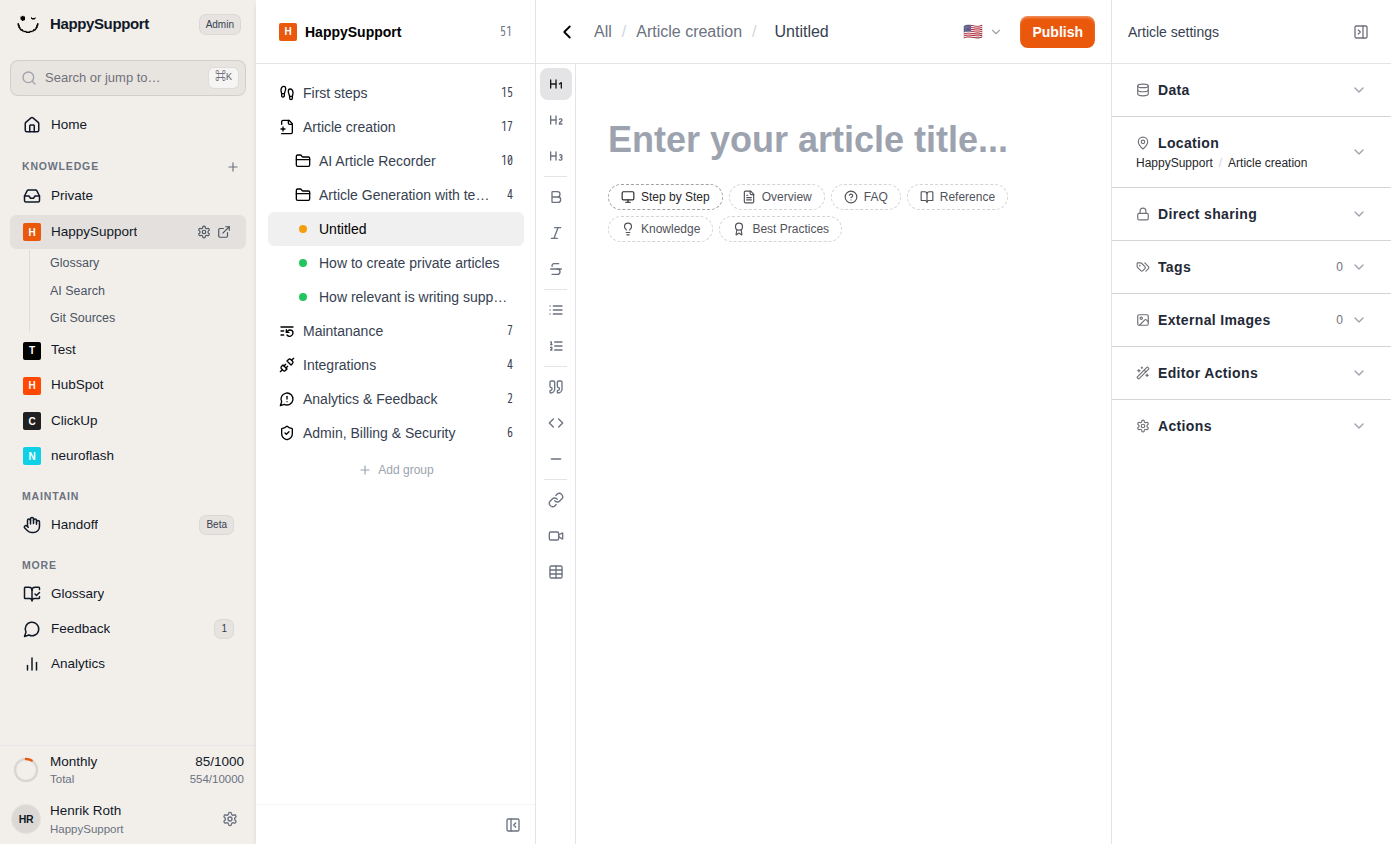
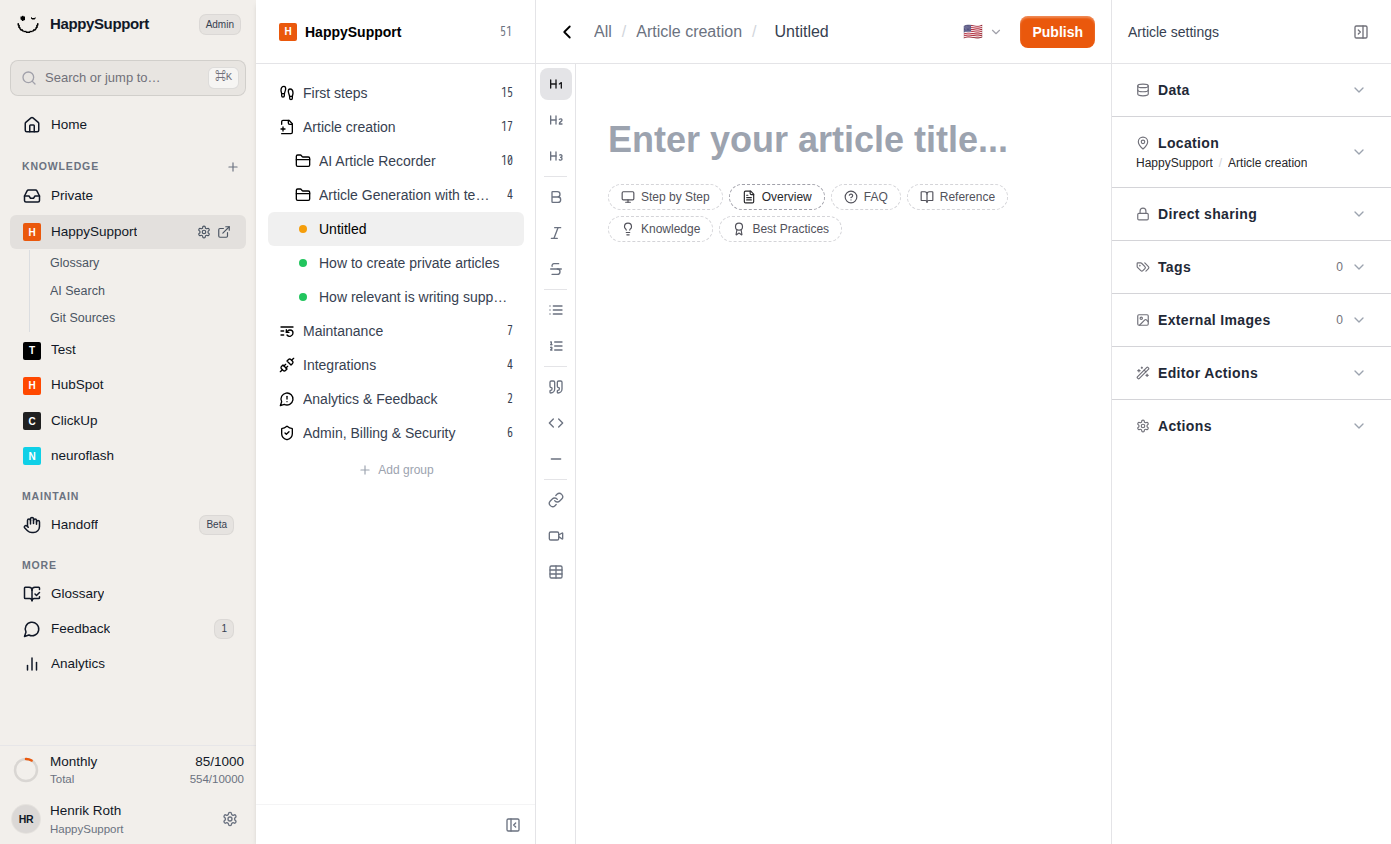
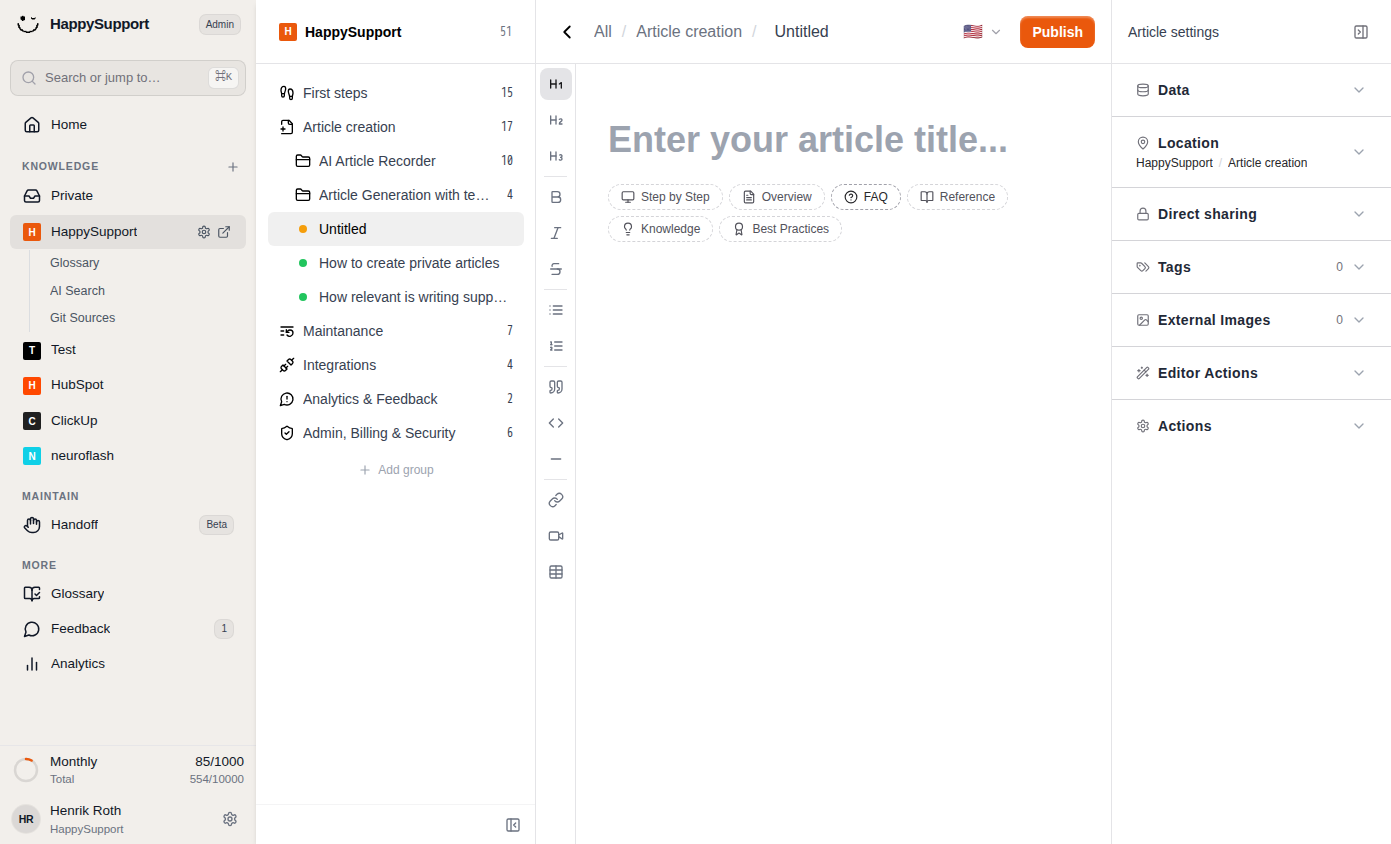
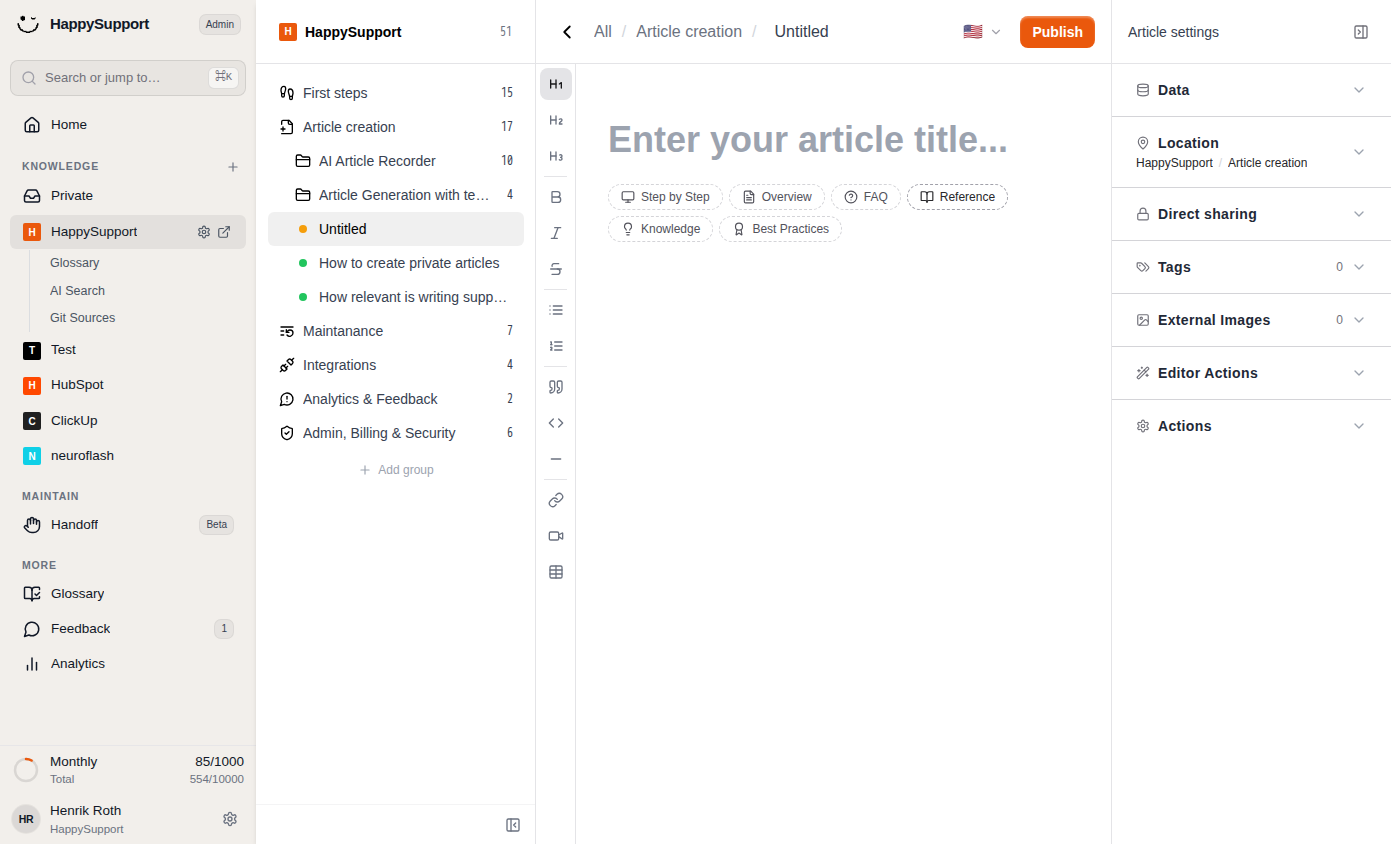
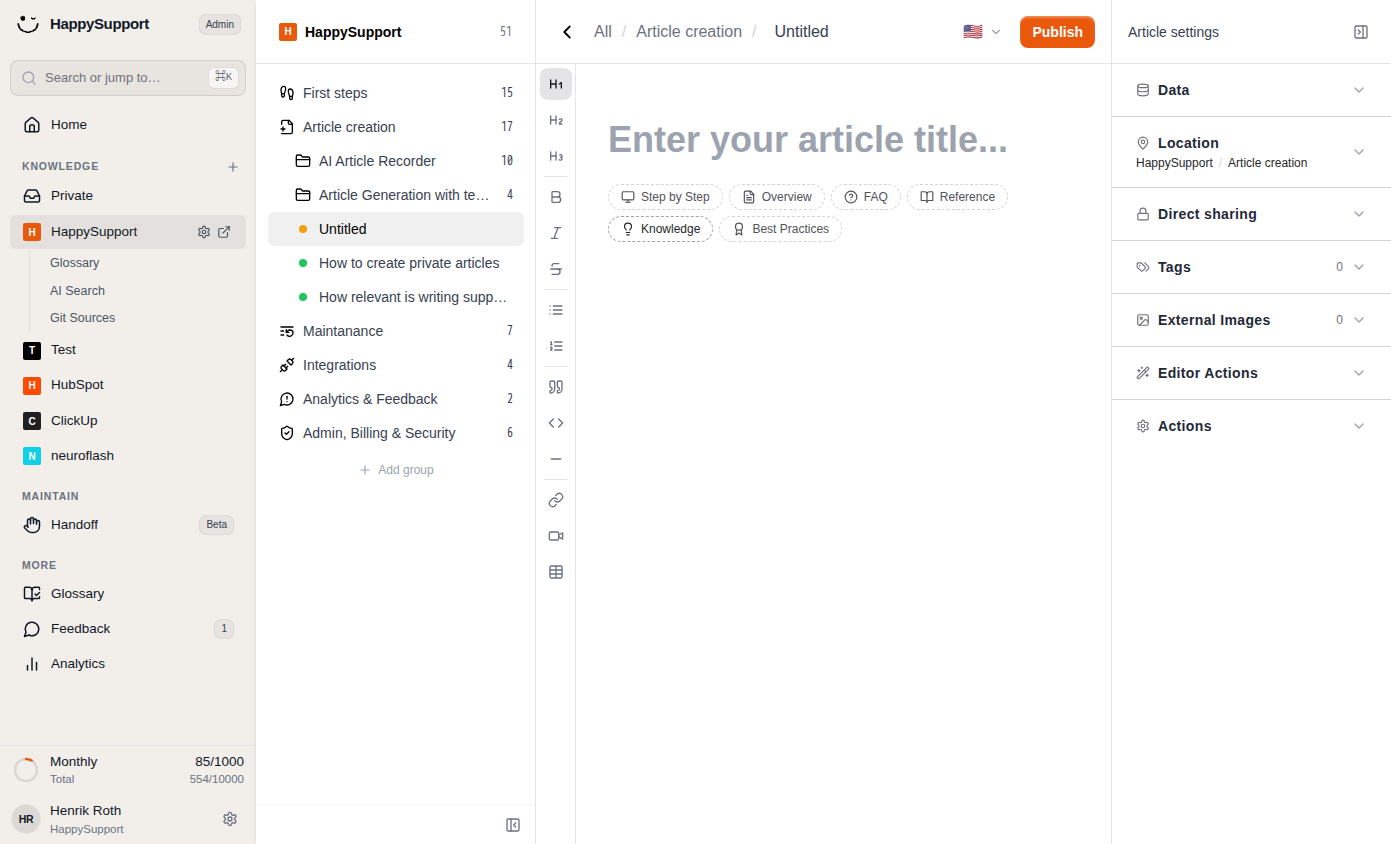
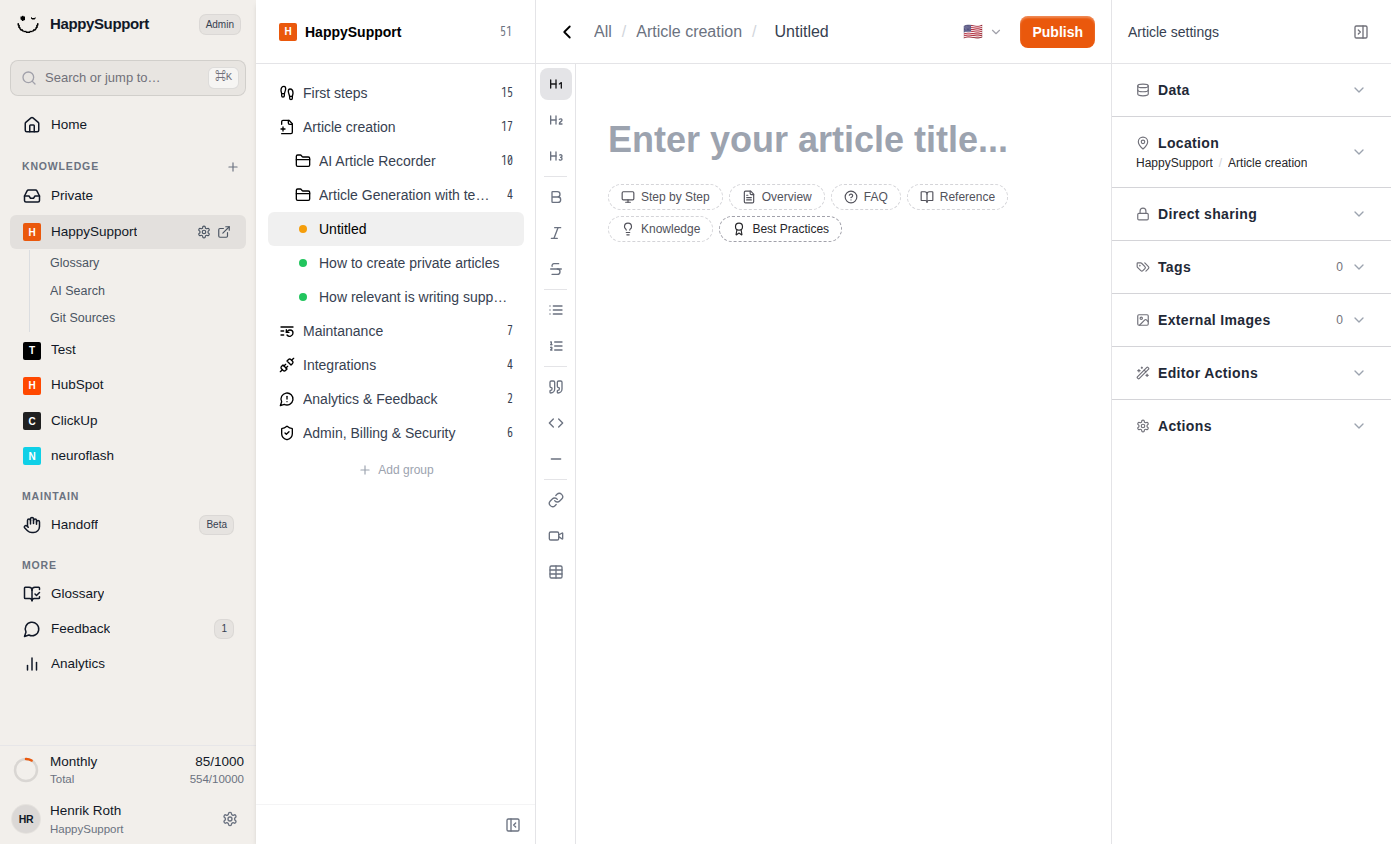 Select a content type like "Step by Step" to set the format of your article.1/6
Article Templates
The template selection area appears directly below the title input field when you're editing an article. You'll see a row of pill-shaped chips, each representing a different article format. Selecting a template helps categorize your content and signals to readers what type of information to expect.
Step by Step: We recommend using only the recorder for this type (Select Step by Step Guide). If you don't want to record your screen, but still want to create a written step by step guide, this template is the right one for you. Use this template for procedural guides or tutorials that walk readers through a process in sequential order.
Overview: We recommend using only the recorder for this type (Select Descriptive Guide). If you don't want to record your screen, but still want to create a written overview article, choose this for introductory articles that provide a high-level overview of one screen with different features or areas.
FAQ: Select this format when structuring content as frequently asked questions with corresponding answers. Also troubleshooting articles belong to this template.
Reference: Best suited for technical documentation, specifications, or lookup-style content that readers consult for specific details.
Knowledge: Apply this template to general informational articles that explain concepts or provide background understanding to use your software.
Best Practices: Use this for articles that share recommended approaches, tips, or optimal ways to accomplish tasks inside your software.
To assign a template, simply click the corresponding chip. The selected template will appear highlighted with a tinted background, indicating it's active for your article.
 Powered by happysupport.ai